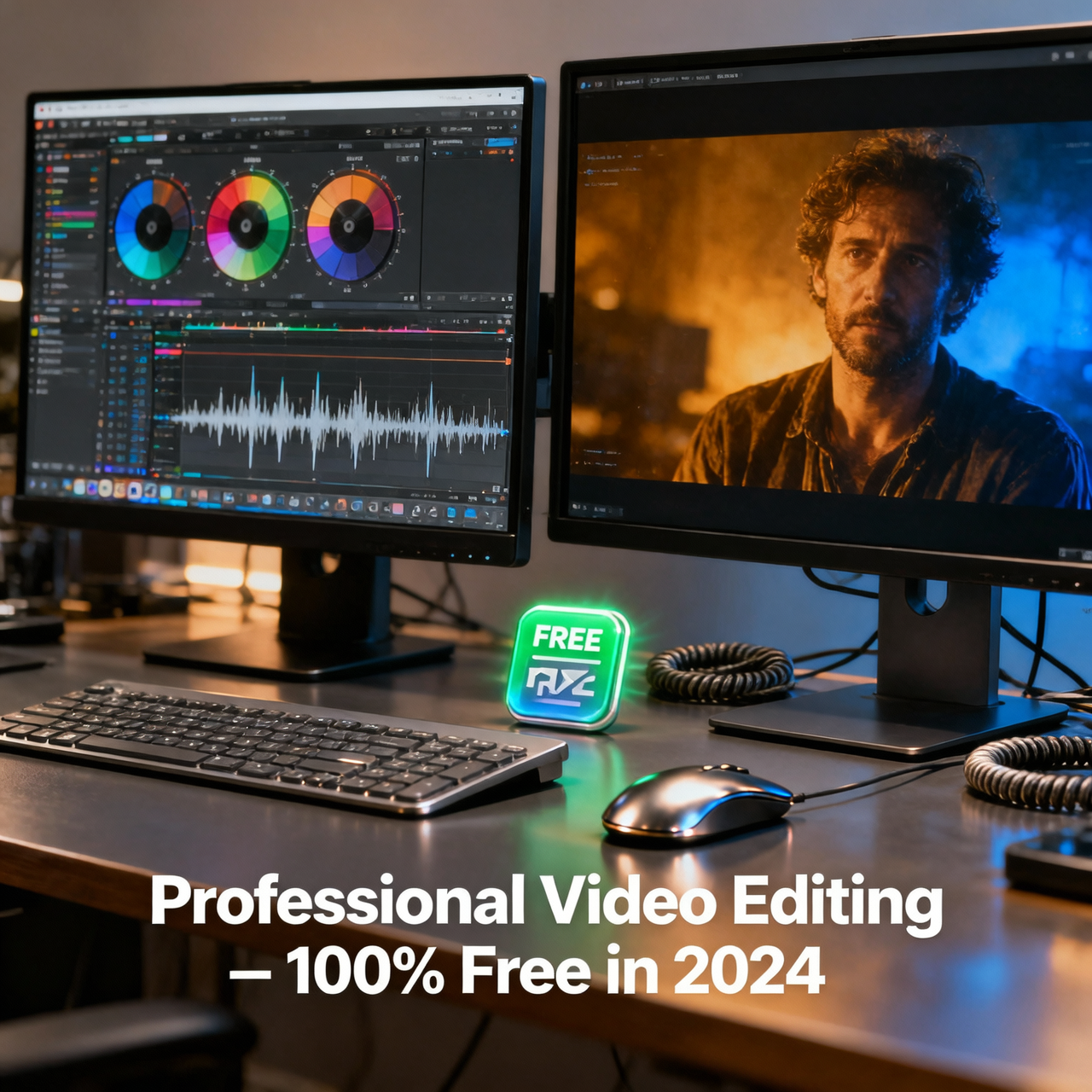
Video editing used to require either an expensive Adobe Premiere Pro subscription or months learning complex software. In 2026, that is no longer true. A range of genuinely powerful free video editors has emerged, capable of producing content for YouTube, social media, short films, and even professional productions without costing a single dollar.
This review covers the best free video editing software based on features, ease of use, output quality, and whether they add watermarks to exported videos.
What to Look for in Free Video Editing Software
No watermarks on exported video
Support for common formats (MP4, MOV, MKV, AVI)
Timeline-based editing with multiple tracks
Color correction tools
Audio editing capabilities
Text and title overlays
Transition and effects library
Reasonable export quality and formats
1. DaVinci Resolve — Best Overall Free Video Editor
Platform: Windows, Mac, Linux
DaVinci Resolve's free version is nothing short of remarkable. Blackmagic Design offers a tool used by Hollywood professionals — films like Thor: Love and Thunder and The Batman were edited with DaVinci Resolve — completely free. There is no watermark, no time limit, and no crippled export.
Key Features of the Free Version
Professional-grade color grading with primary and secondary correction wheels
Fairlight audio production suite with full mixing and effects
Fusion visual effects and motion graphics compositing
Cut and Edit pages designed for different workflow speeds
Multi-cam editing
Noise reduction and audio enhancement
Exports up to 4K Ultra HD
The free version is limited compared to the $295 paid Studio version in a few areas: no noise reduction for video (only audio), some GPU acceleration features are locked, and collaboration features are Studio-only. For 99% of content creators, the free version is completely sufficient.
Weakness: Steep learning curve for beginners. DaVinci Resolve rewards the time invested but overwhelms users who want to cut a quick video.
2. Cap Cut for Desktop — Best for Social Media Creators
Platform: Windows, Mac
Cap Cut began as a mobile app but its desktop version has grown into a surprisingly capable editor tailored for social media content. It is the go-to tool for TikTok, Instagram Reels, and YouTube Shorts creators.
Key Features
AI-powered auto captions (speech-to-text subtitles in seconds)
Built-in stock footage, music, and sound effects library
One-click background removal
Smart scene cut and beat sync to music
Templates for viral video formats
Text animations and stickers
No watermark on export (as of 2026)
Cap Cut is not the right tool for long-form productions or complex storytelling. It is specifically engineered for short, attention-grabbing content, and it excels at that purpose faster than any other tool.
3. Kdenlive — Best Open-Source Editor for Advanced Users
Platform: Windows, Mac, Linux
Kdenlive (KDE Non-Linear Video Editor) is a mature, fully-featured open-source video editor that rivals paid software in many areas. It supports an unlimited number of audio and video tracks, a wide range of effects, and professional-level compositing.
Key Features
Unlimited video and audio tracks
Proxy editing for smooth performance with high-resolution footage
Vast effects library (hundreds of filters and transitions)
Keyframe animation for any effect parameter
Multi-track audio mixing
Timeline preview with hardware acceleration
Supports virtually every video format via FFmpeg
Kdenlive is the best choice for Linux users and for Windows/Mac users who want deep control without the DaVinci Resolve learning curve. It does crash more frequently than commercial tools, but regular auto-save minimizes data loss.
4. Open Shot — Best for Beginners
Platform: Windows, Mac, Linux
Open Shot is designed from the ground up for users new to video editing. Its interface is intentionally simple, with a drag-and-drop timeline, a manageable effects library, and enough features to produce polished results without being overwhelmed.
Key Features
Intuitive drag-and-drop timeline
3D animated title creator
Over 400 video transitions
Slow motion and time effects
Audio waveform visualization
Unlimited tracks
Open Shot is slower than alternatives (it uses Python, which has performance limitations) and struggles with long 4K projects. For short videos at 1080p, it performs well. Best for school projects, simple family videos, and first-time editors.
5. Shotcut — Best for Format Compatibility
Platform: Windows, Mac, Linux
Shotcut's standout feature is its extraordinary format support — it natively handles virtually any video, audio, or image format ever created, powered by FFmpeg. If you regularly work with unusual or legacy formats, Shotcut is invaluable.
Key Features
Native support for hundreds of video and audio formats
4K and 8K resolution support
Video and audio filters with keyframe control
No import required — edit directly from source files
Multitrack timeline with unlimited tracks
Hardware-accelerated encoding
Shotcut's interface takes adjustment but is logically organized once learned. It strikes a balance between beginner accessibility and professional capability.
6. iMovie — Best Free Editor for Mac and iPhone Users
Platform: Mac, iOS (Free with Apple devices)
iMovie is Apple's free video editor, pre-installed on all Mac computers and available free on iPhone and iPad. For users in the Apple ecosystem, it is the easiest path to polished video results.
Seamless handoff between iPhone and Mac editing
Automatic trailer templates with Hollywood-style titles
Color matching between clips
Green screen (chroma key) support
4K export support
iMovie is limited compared to professional tools — no multicam beyond 2 angles, no advanced color grading — but for family videos, short films, and social content, it produces beautiful results with minimal effort.
Comparison: Which Free Editor Should You Choose?
Beginner making first videos → OpenShot or iMovie (Mac)
Social media creator (TikTok, Reels) → CapCut Desktop
Intermediate creator wanting growth room → Kdenlive or Shotcut
Professional or serious filmmaker → DaVinci Resolve
Mac user wanting simplicity → iMovie
Tips for Getting Started with Free Video Editing
Start with footage at 1080p — 4K is demanding on hardware
Organize clips into folders before importing
Learn three skills first: cutting, transitions, and audio adjustment
Export at H.264 (MP4) for universal compatibility
Watch YouTube tutorials specific to your chosen software — the communities are excellent
Conclusion
DaVinci Resolve is the most powerful free video editor available and the best long-term choice if you are serious about video. For beginners, Open Shot lowers the barrier to entry. For social media creators, CapCut is unmatched in speed and AI features. All of them export without watermarks and without cost — which is genuinely remarkable for the quality of tools available today.