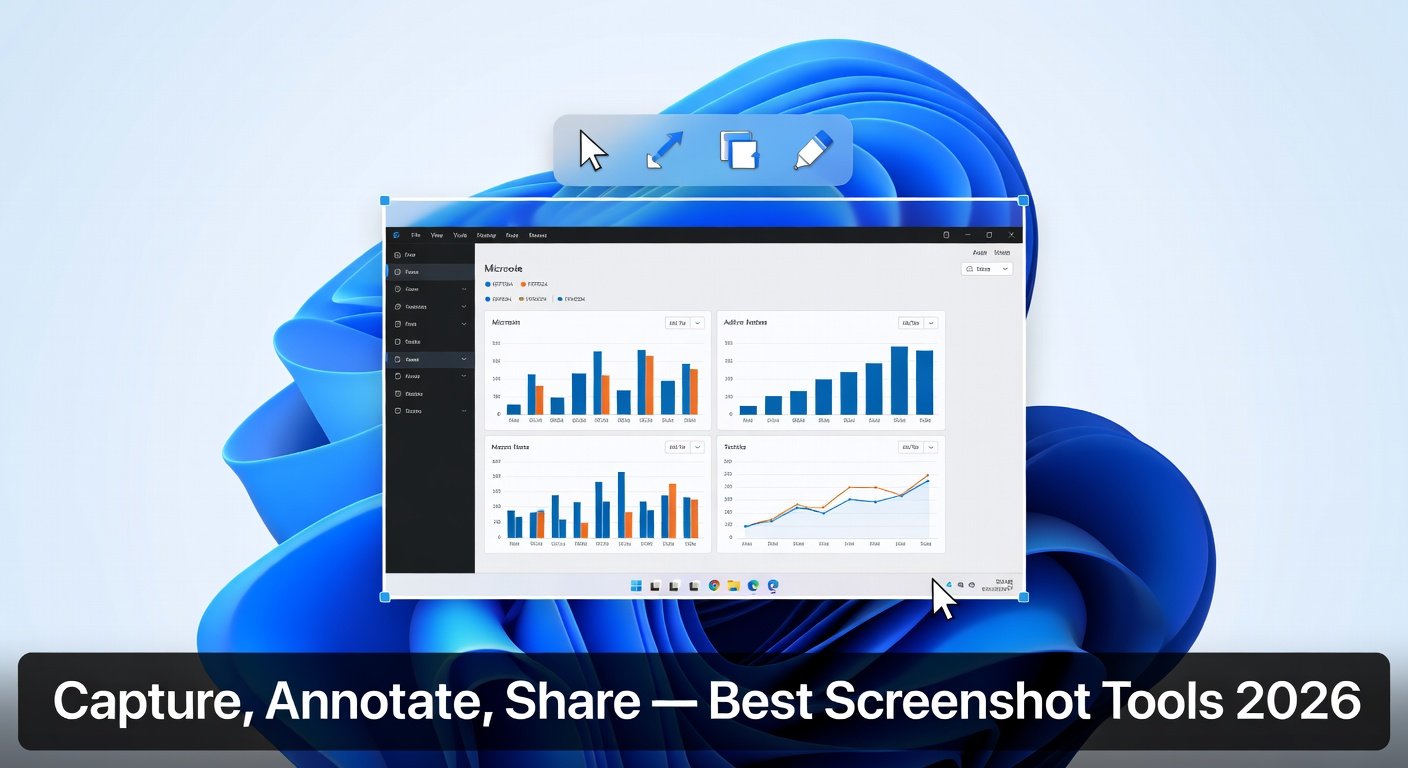
The built-in Print Screen key and Windows Snipping Tool capture images — but that is where basic screenshot tools stop. For professionals writing documentation, teachers creating tutorials, developers filing bug reports, or anyone who needs to annotate and share screenshots efficiently, dedicated screen capture software transforms the workflow.
The best screen capture tools offer: scrolling capture for full web pages, video recording, annotation tools (arrows, text, blur/redaction), instant sharing, and organized screenshot libraries. Here are the best options in 2026
1. ShareX — Best Free Screen Capture Software (Most Features)
Platform: Windows (free, open-source)
ShareX is the most feature-rich free screenshot and screen recording tool available, and it is not even close. Despite being completely free and open-source, it outperforms many paid competitors.
What ShareX Can Do
Region, window, fullscreen, and scrolling capture modes
Screen recording to MP4, GIF, or WebM
After-capture workflow automation (annotate, upload, copy to clipboard)
Annotation tools: arrows, text, shapes, callouts, blur, highlight, redaction
Upload directly to 80+ destinations (Imgur, Google Drive, Dropbox, FTP, custom)
OCR text extraction from screenshots
Color picker, ruler, and screen magnifier tools
Hotkey customization for every action
QR code generator and decoder
ShareX is the choice for power users, developers, and content creators who want maximum control. The interface requires some setup time, but the resulting workflow is extremely efficient.
2. Greenshot — Best Lightweight Free Screenshot Tool
Platform: Windows (free, open-source)
Greenshot takes the opposite approach to ShareX: it is small, fast, and does exactly what most people need from a screenshot tool without any complexity.
Key Features
Capture region, window, fullscreen, or scrolling window
Built-in image editor with arrows, rectangles, text, blur, and highlights
Right-click context menu for instant annotation
One-click upload to Imgur, Jira, Confluence, or email
Runs quietly in the system tray
Extremely low resource usage
Greenshot installs in seconds, stays out of your way, and captures and annotates screenshots faster than any other tool in this list. For users who want a better Print Screen without any fuss, Greenshot is ideal.
3. Snagit — Best Professional Screenshot and Recording Tool
Platform: Windows, Mac (paid)
Snagit by TechSmith is the industry standard for professional documentation, technical writing, and instructional design. It has been refined over 30 years into the most complete capture and annotation suite available.
Standout Features
Smart scrolling capture for full-length web pages and applications
Video screen recording with webcam overlay
Animated GIF creation from video captures
Step tool: automatically numbers steps in screenshots
Combine tool: merge screenshots into visual guides
Smart Move: AI-powered text and UI element recognition and repositioning
Integration with Word, PowerPoint, Slack, Microsoft Teams, Jira
Library for organizing all your captures
Snagit costs $62.99 as a one-time purchase (perpetual license) with optional subscription for ongoing updates. For anyone who creates technical documentation, training materials, or software guides professionally, Snagit pays for itself almost immediately in time saved.
4. Windows Snipping Tool (Snip and Sketch) — Best Built-In Option
Platform: Windows 10/11 (free, built-in)
Windows 11 significantly improved the built-in Snipping Tool (previously called Snip and Sketch). Accessed by pressing Win + Shift + S or searching Snipping Tool:
Rectangular, freeform, window, and fullscreen capture modes
Delay capture by 3 or 10 seconds (for capturing menus)
Basic annotation: pen, highlighter, eraser, ruler
Screen recording mode (added in Windows 11 2023 update)
For casual users who occasionally need a screenshot, the Windows Snipping Tool is completely adequate. It requires no installation and is always available. The annotation tools are limited compared to dedicated software, but sufficient for basic needs.
5. Lightshot — Best for Quick Cloud Sharing
Platform: Windows, Mac (free)
Lightshot focuses on one thing: capture and share a screenshot in the fewest possible steps. After selection, it shows basic annotation tools and a one-click upload to prnt.sc, generating a shareable link immediately.
Instant shareable link generation
Basic annotation tools
Google image search from screenshot directly
Minimal, clean interface
Lightshot is the fastest path from screenshot to shareable link. Note: screenshots uploaded to prnt.sc are publicly accessible by anyone who knows the link — do not use it for sensitive information.
6. Flameshot — Best Cross-Platform Open-Source Tool
Platform: Windows, Mac, Linux (free)
Flameshot is particularly popular among Linux users but works across all platforms. It offers a clean interface, good annotation tools, and customizable upload destinations. It is lighter than ShareX while offering more customization than Greenshot.
Which Screen Capture Tool Is Right for You?
Quick screenshots with basic annotation → Greenshot
Power user wanting every feature → ShareX
Professional documentation and training → Snagit
Fastest way to share a link → Lightshot
No installation needed → Windows Snipping Tool
Linux or cross-platform → Flameshot
Tips for Better Screenshots
Use a high DPI (150% or higher) display scale for crisp, readable screenshots
Blur or redact sensitive information before sharing (ShareX and Snagit both have blur tools)
Capture at full resolution and resize later — never screenshot a screenshot
Use delay capture to capture dropdown menus and tooltips
Conclusion
For most Windows users, Greenshot offers the best combination of simplicity, functionality, and zero cost. Power users who need recording, automation, and extensive annotation will find ShareX to be an exceptional free tool. For professional technical writers and documentation teams, Snagit is the one-time purchase that earns back its cost quickly. Upgrade from the Print Screen key today — the difference in productivity is remarkable.
Learn More............................................!!!!!!!!!