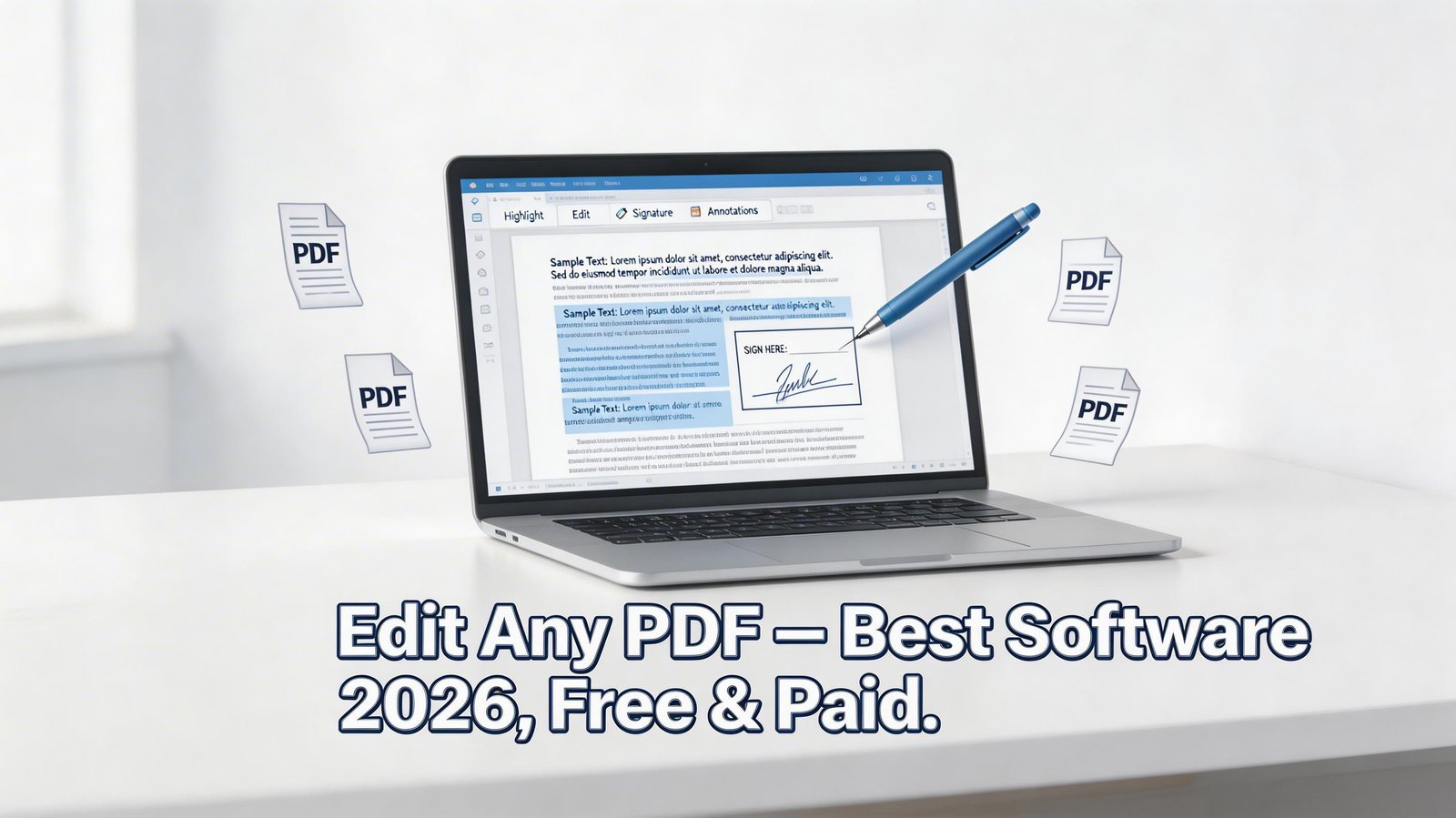
Adobe Acrobat Pro charges $239.88 per year for the ability to edit PDFs. That is a significant expense for something most people need occasionally — to fill in a form, add a signature, fix a typo, or merge documents. The good news is that a rich ecosystem of PDF editors has developed, ranging from completely free browser-based tools to powerful desktop applications that match Adobe feature-for-feature at a fraction of the cost.
This review covers the best PDF editing software in 2026 for different needs and budgets.
What PDF Editing Tasks Do Most People Actually Need?
Annotating and highlighting sections
Filling in form fields
Adding digital signatures
Editing existing text and images
Adding or removing pages
Merging multiple PDFs into one
Converting PDFs to Word, Excel, or image formats
Protecting PDFs with passwords
1. Adobe Acrobat Reader DC — Best for Viewing and Annotating (Free)
Adobe's free Reader is the universally compatible PDF viewer with annotation tools built in. It allows you to:
Highlight, underline, and strikethrough text
Add sticky note comments
Fill and sign PDF forms (non-certified)
View and print PDFs at perfect fidelity
Adobe Reader is not a PDF editor in the traditional sense — you cannot edit existing text, add pages, or merge files without upgrading to Acrobat Pro. But for annotation-heavy workflows (reviewing contracts, marking up reports), it remains the standard.
2. PDF24 Creator — Best Completely Free PDF Editor
PDF24 is arguably the best-kept secret in free PDF software. Developed by Geek Software GmbH, it provides a desktop application and browser-based tools that collectively cover almost every PDF task imaginable — completely free, with no limits, no watermarks, and no registration required.
What PDF24 Can Do for Free
Edit PDF text and images (via browser tool)
Merge, split, rotate, and reorder pages
Compress PDFs without significant quality loss
Convert PDF to Word, Excel, PowerPoint, and images
Convert Office documents, images, and web pages to PDF
Add digital signatures
Password-protect and encrypt PDFs
OCR (optical character recognition) to make scanned PDFs searchable
The desktop app installs a virtual PDF printer that allows you to 'print to PDF' from any application. The PDF24 Tools website handles the more advanced operations. Together, they form one of the most complete free PDF suites available.
3. Foxit PDF Editor — Best Adobe Acrobat Alternative (Paid)
Foxit PDF Editor is the most direct Adobe Acrobat Pro competitor. It matches Adobe feature-for-feature in most areas at a lower price ($79/year for Foxit vs $240/year for Acrobat Pro), with a faster and lighter application.
Standout Features
Edit text, images, and objects directly in PDFs
Advanced form creation and management
Certified digital signatures with certificate-based signing
PDF/A compliance for archival standards
Collaboration features with shared review
Document security: DRM, redaction, permissions
Bates numbering for legal documents
Foxit is the preferred choice in legal, government, and corporate environments where advanced document management is required. It also starts up significantly faster than Adobe Acrobat.
4. Smallpdf — Best Browser-Based PDF Toolkit
Smallpdf lives entirely in your browser — no installation required. It offers a clean, intuitive interface for 21 PDF tools including:
Compress PDF with adjustable quality settings
Merge and split PDFs
PDF to Word, Excel, PowerPoint, JPG conversions
Add text, shapes, images, and signatures
e Sign with legally binding signatures
The free plan allows 2 tasks per day. The Pro plan at $7/month removes limits and adds unlimited processing. For occasional PDF work without installing software, Small pdf is the easiest solution.
5. LibreOffice Draw — Best Free Desktop PDF Editor
LibreOffice, the free open-source office suite, includes Draw — a vector graphics editor that can open and edit PDFs as fully editable documents. You can modify text, move images, add shapes, and export back to PDF.
The quality of editing depends on the PDF's original structure. Text-based PDFs edit cleanly; scanned PDFs require OCR first. LibreOffice Draw is particularly useful for editing PDF forms and brochures where the layout needs modification.
6. PDF escape — Best for Filling Forms Online (Free)
PDF escape offers free online PDF form filling and light editing without registration. It is specifically excellent for filling in PDF forms you receive and need to return:
Fill in form fields
Add text anywhere on the page
Whiteout (cover) sections with white rectangles
Add signature images
Insert links and checkboxes
The free online version allows PDF files up to 10MB and 100 pages. The desktop version costs $2.99/month. For submitting rental applications, tax forms, or government documents, PDFescape is the fastest path.
Free vs Paid PDF Editors: When Does Paying Make Sense?
Free tools cover: viewing, annotating, form filling, basic signing, merging/splitting, format conversion.
Paid tools add: editing existing text in PDFs without reflowing, certified digital signatures, advanced redaction, OCR with high accuracy, document comparison, batch processing, and compliance features.
For personal use or small business, PDF24 plus a free viewer handles 90% of needs. For legal, accounting, or enterprise document workflows, Foxit or Adobe Acrobat Pro is worth the investment.
Conclusion
If you need a free PDF editor, PDF24 is the most complete option available — covering editing, conversion, signing, and protection without spending anything. For a paid Adobe alternative with comparable power at lower cost, Foxit PDF Editor is the clear winner. And for quick, occasional tasks without installing software, Small pdf and PDF escape get the job done from any browser.