ou paste your JavaScript into the browser, refresh the page, and nothing works. You open the console and see a cryptic red error message. Sound familiar? Every JavaScript developer — from beginners to seniors — spends time chasing down errors. The difference is that experienced developers know what the errors mean and how to fix them quickly.
This guide covers the 12 most common JavaScript errors beginners encounter, explains exactly what causes each one, and gives you the specific fix. Bookmark this page — you will refer back to it more than once.
How to Open the Browser Console
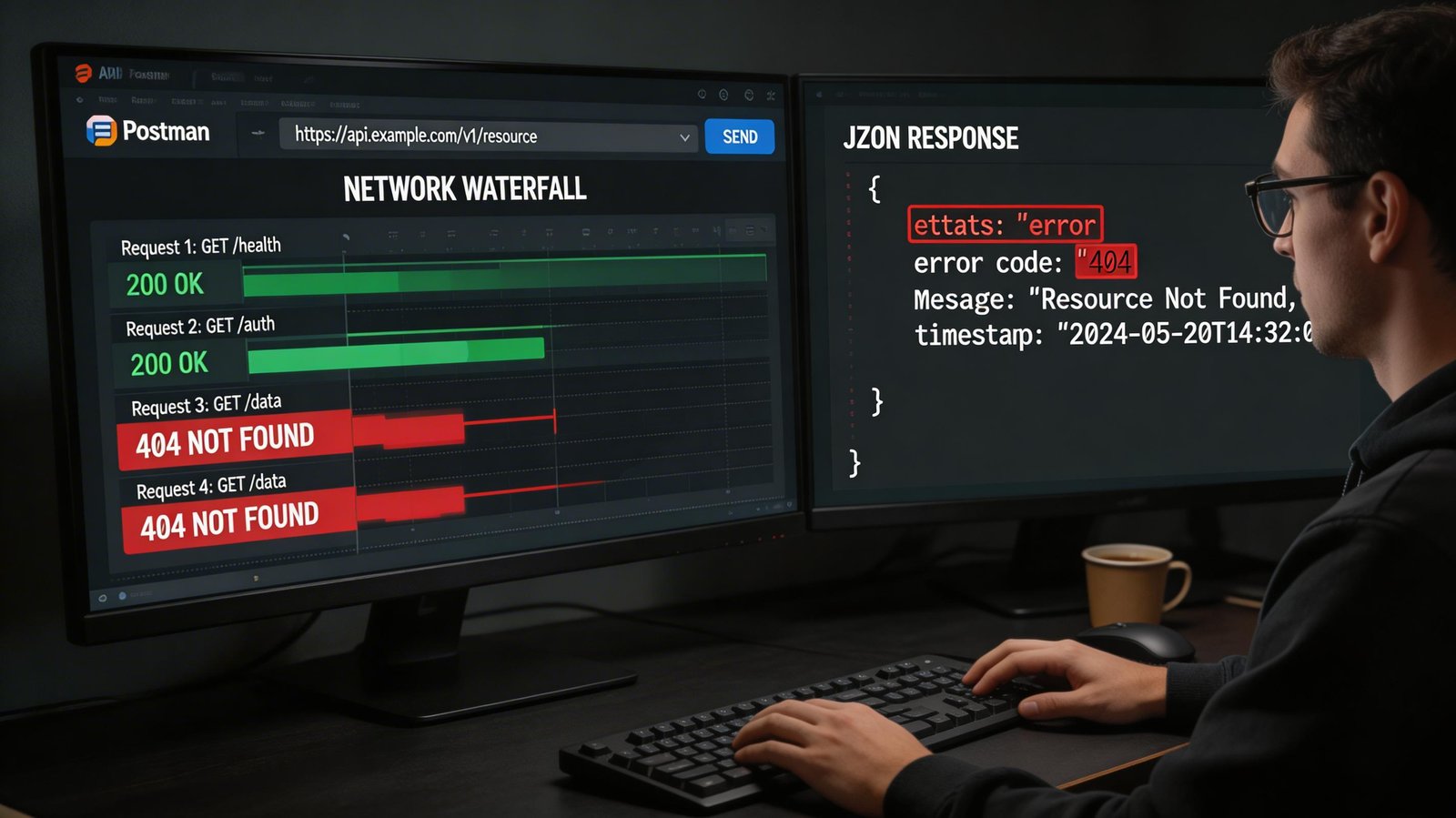
Before anything else: press F12 in Chrome, Firefox, or Edge to open Developer Tools. Click the Console tab. This is where all JavaScript errors appear in red. The error message will tell you the type of error and the file name and line number where it occurred. Always start there.
The 12 Errors and Their Fixes
Error 1: Type Error: Cannot read properties of undefined
This is probably the most common JavaScript error of all time. It happens when you try to access a property or call a method on a variable that is undefined. For example: const user = undefined; console.log(user.name) — this crashes because undefined has no .name property. The fix is to always check if a variable exists before accessing its properties. Use optional chaining: user?.name returns undefined instead of throwing an error if user is null or undefined. Or use a simple conditional: if (user) { console.log(user.name); }.
Error 2: Reference Error: X is not defined
You tried to use a variable that has never been declared. This usually means a typo (userName vs username), or you declared the variable inside a function and tried to use it outside (scope issue), or you forgot to declare it with let, const, or var entirely. Fix: Check your spelling carefully. Understand that variables declared inside a function are not accessible outside it. Always declare your variables before using them.
Error 3: Type Error: X is not a function
You tried to call something as a function, but it is not one. Common causes: you misspelled the function name, you are calling a method that does not exist on a particular object type (e.g., calling .map() on a plain object instead of an array), or the variable holds a different type than expected. Fix: console.log (type of your Variable) to check what type it actually is. Verify the method exists on that type by checking MDN documentation.
Error 4: Syntax Error: Unexpected token
Your JavaScript code has a syntax mistake — something that violates the rules of the language itself. Common causes: missing closing parenthesis, bracket, or curly brace; using a reserved word as a variable name; or writing invalid JSON. Fix: Look at the line number in the error. Check for mismatched brackets — a good code editor with bracket matching (VS Code does this) highlights the problem. Running your code through JSHint.com or ESLint catches syntax errors before you run the code.
Error 5: Type Error: null is not an object
Similar to Error 1, but specifically null. This frequently happens in DOM manipulation when you try to access a page element that does not exist yet, or you misspelled the element ID. For example: document.get Element ById('btn').addEventListener(...) — if no element with id='btn' exists, getElementById returns null and the next call crashes. Fix: Always verify the element exists first. Log the result of getElementById before calling methods on it.
Error 6: Uncaught Range Error: Maximum call stack size exceeded
You created infinite recursion — a function that calls itself forever without a stopping condition. Every function call uses stack space, and when you exceed the limit, JavaScript throws this error. Fix: Review your recursive function and ensure it has a proper base case (a condition under which it stops calling itself). Add console.log statements inside the function to see how many times it runs.
Error 7: Async/Await Errors — Unhandled Promise Rejection
When an async function or a Promise throws an error and nothing catches it, you see 'Unhandled Promise Rejection' in the console. This means your fetch, API call, or async operation failed silently. Fix: Always wrap async/await code in a try-catch block. Alternatively, chain .catch() to every Promise. Never assume async operations will succeed.
Error 8: Unexpected Behavior with 'this'
The value of 'this' in JavaScript depends on how a function is called, not where it is defined. This confuses almost every beginner. Inside a regular function, 'this' might be undefined (in strict mode) or the global window object. Inside an event listener, 'this' refers to the element. Inside a class method, 'this' refers to the instance. Fix: Use arrow functions inside class methods and callbacks — arrow functions inherit 'this' from their parent scope and behave predictably.
Error 9: Undefined is Not Iterable
You tried to loop over something with for...of or destructuring, but the variable is undefined. Common cause: an API call returned undefined instead of an array because the response structure was different than expected. Fix: Always add defensive checks before iterating. Check if the variable is an array with Array.isArray() before looping over it.
Error 10: NaN (Not a Number) Issues
You performed a mathematical operation on a value that is not a number. For example, parseInt('hello') returns NaN, and any math with NaN also returns NaN. The tricky part is NaN !== NaN in JavaScript (it is the only value not equal to itself). Fix: Use isNaN() or Number.isNaN() to check if a value is NaN before performing math. Validate user inputs before converting them to numbers.
Error 11: CORS Policy Error
This is a browser security error that occurs when your JavaScript tries to make a network request to a different domain and that domain has not allowed it. The error appears as 'Access to fetch blocked by CORS policy.' Fix: This is a server-side configuration issue. The server you are calling needs to set the Access-Control-Allow-Origin header. During development, use a CORS proxy or configure your backend to allow your development domain.
Error 12: == vs === Comparison Bugs
This is not an error in the traditional sense — your code runs fine, but it behaves unexpectedly. Using == (loose equality) in JavaScript can produce surprising results because JS performs type coercion. For example: '5' == 5 is true, null == undefined is true, 0 == false is true. Fix: Always use === (strict equality) which checks both value and type. This eliminates an entire category of subtle bugs.
How to Debug JavaScript Effectively
Beyond fixing individual errors, learning to debug systematically saves hours. Use console.log() strategically to print variable values at different points. Use the browser's built-in debugger — set breakpoints in the Sources tab of Dev Tools and step through code line by line. Read error messages carefully: they tell you the error type, the file, and the line number. Use a linter like ESLint in your code editor to catch errors before running the code.
Conclusion
Every JavaScript error has a cause and a fix. The key is learning to read error messages instead of panicking, systematically narrowing down where the problem is, and using the right tools. The 12 errors in this guide cover the vast majority of what you will encounter as a beginner. Save this reference, and next time the console goes red, you will know exactly where to look.