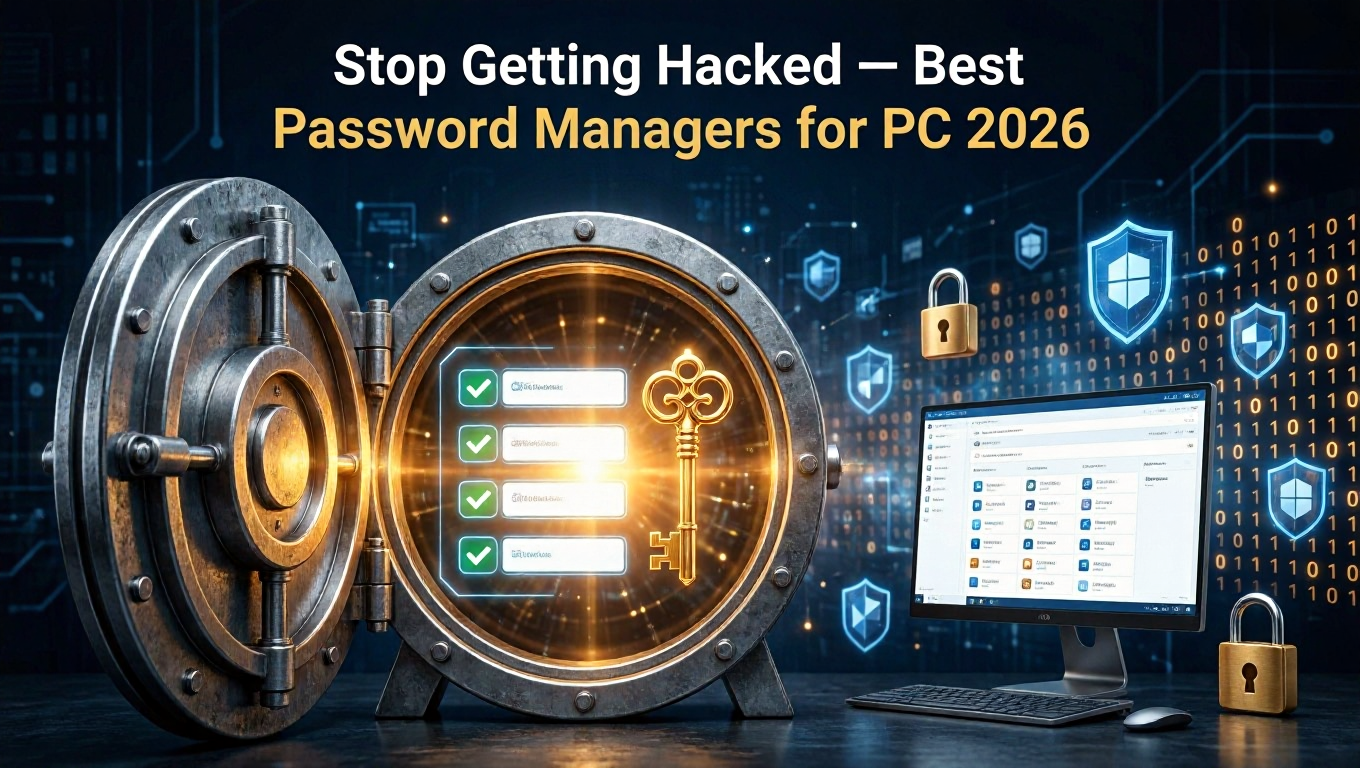
The average person has over 100 online accounts. Remembering 100 different strong, unique passwords is impossible — which is why most people reuse variations of the same two or three passwords everywhere. The consequence is catastrophic when a single website breach exposes credentials that unlock your email, bank, or social media.
A password manager solves this completely. It generates cryptographically random, unique passwords for every account, stores them in an encrypted vault, and autofills them automatically. You only need to remember one strong master password.
Here are the best password manager programs for Windows PC in 2026.
1. Bitwarden — Best Free Password Manager for PC
Bitwarden is fully open-source, audited by independent security researchers, and completely free for individual use with no meaningful feature limitations. It is the gold standard recommendation of security experts worldwide.
Desktop App Features
Stores unlimited passwords, secure notes, credit cards, and identities
Autofill in browsers via extensions for Chrome, Firefox, Edge, Safari
Desktop app for Windows, Mac, and Linux
Password generator with customizable length and character rules
Two-factor authentication support
Vault health reports: weak passwords, reused passwords, exposed passwords
Import from LastPass, 1Password, Dashlane, and 30+ other managers
Bitwarden syncs to its own servers (which are open-source and independently audited). For users who want self-hosting, Bitwarden can be deployed on a private server via Docker.
Premium ($10/year) adds: TOTP authenticator codes, advanced 2FA options (YubiKey), 1GB encrypted file storage, emergency access, and priority support.
2. KeePass — Best Completely Offline Password Manager
Platform: Windows (official), Mac/Linux via ports
KeePass stores your password database as an encrypted file on your local machine — no cloud, no sync, no subscription, no servers. For users who are categorically opposed to storing passwords online, KeePass is the definitive choice.
Key Features
AES-256 and ChaCha20 encryption for the local database
Open-source and audited by multiple security organizations including CISA
Portable version — run from a USB drive on any Windows PC
Extensive plugin ecosystem: browser integration, sync, generators
Database can be manually synced via Dropbox, OneDrive, or USB
Auto-type feature for filling credentials in any application
KeePass's limitation is usability — the interface looks like software from 2003 (which it largely is). Third-party versions like KeePassXC offer a modernized interface with better browser integration while maintaining the same secure database format.
3. KeePassXC — Best Offline Password Manager with Modern UI
KeePassXC is an unofficial community fork of KeePass with a dramatically improved interface, native browser integration without plugins, and cross-platform support (Windows, Mac, Linux) from a single application.
Advantages Over KeePass
Native browser extension (KeePassXC-Browser) for seamless autofill
Modern Qt-based interface that does not require nostalgia for Windows XP
SSH agent integration for developers
TOTP (one-time password) generation built in
Same secure KeePass database format — fully compatible
For anyone who wants KeePass-level security and offline storage with a contemporary interface, KeePassXC is the clear choice.
4. 1Password — Best Premium Password Manager
1Password is the premium password manager of choice for individuals, families, and businesses that want the most polished experience available. It is particularly popular in the Apple ecosystem.
Standout Features
Watchtower: monitors your passwords against known breach databases in real time
Travel Mode: hide specified vaults when crossing international borders
Family sharing with individual and shared vaults
Business features including SSO integration
Beautifully designed desktop and mobile apps
Secure document storage alongside passwords
Cost: $2.99/month (individual) or $4.99/month (family, up to 5 members). No free tier, but a 14-day free trial is available.
5. NordPass — Best for NordVPN Ecosystem Users
NordPass uses XChaCha20 encryption — more resistant to theoretical future attacks than AES-256. It is backed by Nord Security, the same company behind NordVPN, and integrates well into their broader privacy ecosystem.
NordPass Premium is $1.49/month (annual plan), making it the most affordable paid option. The free tier is functional but limits to one active device at a time.
Migrating From LastPass: What You Need to Know
LastPass suffered significant data breaches in 2022, exposing encrypted password vaults. While LastPass claimed the encryption prevents practical decryption, security researchers disputed this and advised migration. If you currently use LastPass, migrating to Bitwarden is strongly recommended:
Log into LastPass web vault
Go to Advanced Options > Export
Download the CSV export
In Bitwarden: Settings > Import Data > select LastPass CSV
Import completes in seconds — verify entries, then delete your LastPass account
How to Set Up Bitwarden on Windows
Download Bitwarden desktop app from bitwarden.com or the Microsoft Store
Create a free account with your email
Set a strong master password — use a passphrase of 4+ random words
Enable two-factor authentication (Settings > Security > Two-step Login)
Install the Bitwarden browser extension for Chrome or Firefox
Import existing passwords from your browser or old manager
Enable biometric unlock (Windows Hello fingerprint or face recognition)
Conclusion
Bitwarden is the best password manager for most PC users: free, open-source, feature-complete, and trusted by security professionals globally. KeePassXC is the right choice for users who require offline, zero-cloud storage. 1Password is the premium option for those who want maximum polish and family sharing. Any of these three dramatically improves your security over reusing passwords — set one up today.