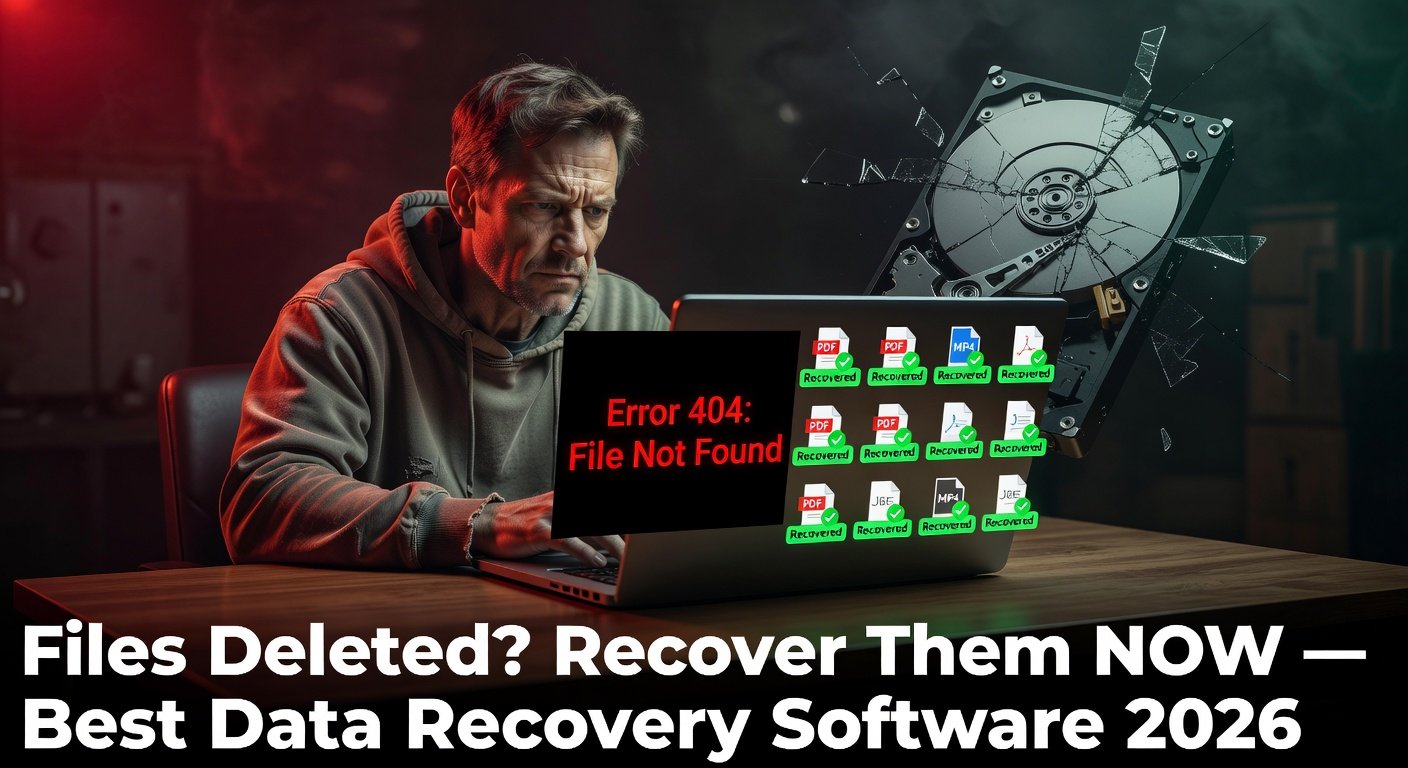
Few things are more gut-wrenching in the tech world than the moment you realize important files are gone — deleted accidentally, lost in a formatting error, or inaccessible due to a drive failure. Whether it is irreplaceable family photos, a work project due tomorrow, or years of music, the prospect of permanent data loss is devastating.
Here is the most important thing you need to know immediately: stop using the device. Every file you create, download, or even cache on the affected drive potentially overwrites the deleted data. The sooner you act and the less you use the drive, the higher your recovery chances.
These are the best data recovery software tools in 2026.
How Data Recovery Software Works
When you delete a file, the operating system does not erase the actual data — it simply marks the space as available for future use. The file's data remains physically on the drive until new data overwrites it. Data recovery software scans the raw storage sectors, finds file signatures (the unique byte patterns that identify file types), and reconstructs recoverable files.
Recovery success depends on: how long ago deletion occurred, whether the drive has been used since deletion, and the drive's health.
1. Recuva — Best Free Data Recovery Software
Platform: Windows
Recuva (pronounced 'recover') by Piriform (the makers of CCleaner) is the most trusted free data recovery tool available. It is simple enough for beginners yet powerful enough to recover files from formatted drives and corrupted cards.
Key Features
Recovers deleted files from hard drives, SSDs, USB drives, and memory cards
Deep scan mode for files deleted long ago or from formatted drives
Recovers photos, videos, documents, audio, and emails
Secure overwrite of unrecoverable files (prevent future recovery of sensitive data)
Portable version available — run without installation
Filters recovered files by recoverability rating (excellent/poor)
Recuva free covers all essential recovery scenarios. A professional version ($19.95 one-time) adds virtual hard drive support and automatic updates.
2. TestDisk and PhotoRec — Best Free Tools for Advanced Recovery
Platform: Windows, Mac, Linux
TestDisk and PhotoRec are open-source, command-line data recovery tools developed by CGSecurity. They are more powerful than Recuva in specific scenarios but require more technical comfort.
TestDisk
TestDisk fixes partition table problems, recovers deleted partitions, and repairs boot sectors. If your drive shows as unformatted or a partition has disappeared, TestDisk is often the only tool that can recover it without spending money.
PhotoRec
Despite the name, PhotoRec recovers 480+ file types — not just photos. It works by carving files from raw disk space based on file signatures, independent of the file system. This means it can recover files even after formatting.
These tools are free, respected in professional data recovery circles, and should be in every technician's toolkit.
3. EaseUS Data Recovery Wizard — Best for Non-Technical Users
Platform: Windows, Mac
EaseUS Data Recovery Wizard provides an exceptionally polished, user-friendly interface for data recovery. Its scan-and-preview workflow lets you see thumbnails of recoverable photos and documents before committing to recovery.
Key Features
Deep and quick scan modes
Preview files before recovery — see if they are actually intact
Recovers from hard drive, SSD, USB, memory card, camera, and recycle bin
Repairs corrupted photos and videos during recovery
Recovers from formatted, corrupted, or RAW partitions
The free version recovers up to 2GB of data. The Pro version costs $69.95/year (individual) or $99.95 as a perpetual license. For recovering a specific set of important files under 2GB, the free version is often sufficient.
4. Disk Drill — Best for Mac Data Recovery
Platform: Windows, Mac
Disk Drill is particularly strong on macOS, with a native interface and excellent performance on Apple file systems (APFS and HFS+). The free version allows unlimited scanning and preview — you only need to purchase to actually recover files.
Key Features
Scans APFS, HFS+, FAT, NTFS, exFAT, and ext2/3/4
Recovery Vault: tracks deleted files for easy future recovery
Byte-to-byte backup of failing drives before recovery
S.M.A.R.T. monitoring for drive health
Unlimited free preview before purchasing
Pricing: $89 for a lifetime license. For Mac users who have lost important files, the unlimited preview first policy makes it a low-risk purchase.
5. R-Studio — Best for Professional and RAID Recovery
Platform: Windows, Mac, Linux
R-Studio is the tool of choice among data recovery professionals. It handles complex scenarios that consumer tools cannot: RAID array reconstruction, network drive recovery, and deeply corrupted file systems.
It is not beginner-friendly and starts at $79.99 for the standard version. But in scenarios where other tools fail, R-Studio often succeeds.
Step-by-Step: Recovering Files with Recuva
Download Recuva from piriform.com — use the portable version to avoid installing to the affected drive
Launch Recuva and select the file type you want to recover
Select the location (drive or folder) to scan
Run a Deep Scan for better results
Once scanning completes, filter by file condition (Excellent files are most likely intact)
Preview files before recovering to verify their content
Select files and click Recover — save to a DIFFERENT drive than the one being scanned
What to Do If Software Cannot Recover Your Files
If software recovery fails, professional data recovery services are the last resort. Companies like DriveSavers and Ontrack operate in clean rooms and can physically recover data from drives with mechanical failure. Costs range from $300–$1,500+ depending on severity.
Conclusion
Recuva is the first tool to reach for — it is free, reliable, and recovers an impressive range of file types from multiple drive types. EaseUS provides the most user-friendly paid option for non-technical users. Stop using the affected drive immediately and start a scan as soon as possible — every minute counts.