Discovering that your email account has been hacked is one of the most stressful digital experiences a person can go through. Your email is the master key to your entire online life — it's linked to your bank account, your social media, your work, and dozens of other services. When someone else gains access to it, the consequences can ripple outward fast.
But here is the most important thing to understand: the first 30 minutes matter more than anything. The faster you act, the less damage gets done. This guide gives you a precise, step-by-step action plan — what to do first, what to do next, and how to make sure this never happens again.
How Did Your Email Get Hacked?
Before fixing the problem, it helps to understand how it happened. The most common ways email accounts are compromised include:
Phishing attacks: You clicked a link in a fake email that looked legitimate (from your bank, Google, PayPal, etc.) and entered your credentials on a fake login page.
Data breaches: A website where you used the same email/password combination was hacked, and attackers used those credentials to log into your email.
Weak or reused passwords: Simple passwords like "password123" or names and birthdays are trivially cracked through brute force.
Malware or keyloggers: Software installed on your device recorded your keystrokes and sent your password to attackers.
SIM swapping: Attackers convinced your mobile carrier to transfer your phone number to their SIM, bypassing SMS-based two-factor authentication.
Immediate Steps: The First 30 Minutes Are Critical
Step 1: Try to Log In Right Away
Go directly to your email provider's official website (gmail.com, outlook.com, yahoo.com). If you can still log in, change your password immediately to something long, unique, and complex. Use a combination of uppercase letters, lowercase letters, numbers, and symbols — at least 16 characters. Do not reuse any old password.
Step 2: Use the Account Recovery Option If Locked Out
If the attacker already changed your password, use the "Forgot password" or "Account recovery" option on the login page. Gmail uses a recovery email address, a phone number, or security questions. Outlook has an account recovery form. Follow the prompts carefully and answer the identity verification questions accurately.
Step 3: Revoke All Active Sessions
Once you're logged back in, immediately check for active sessions you don't recognize. In Gmail, scroll to the bottom of your inbox and click "Details" next to "Last account activity." In Outlook, go to Account Settings > Security > Recent activity. Sign out all other sessions to kick the hacker out of your account.
Step 4: Enable Two-Factor Authentication (2FA) Immediately
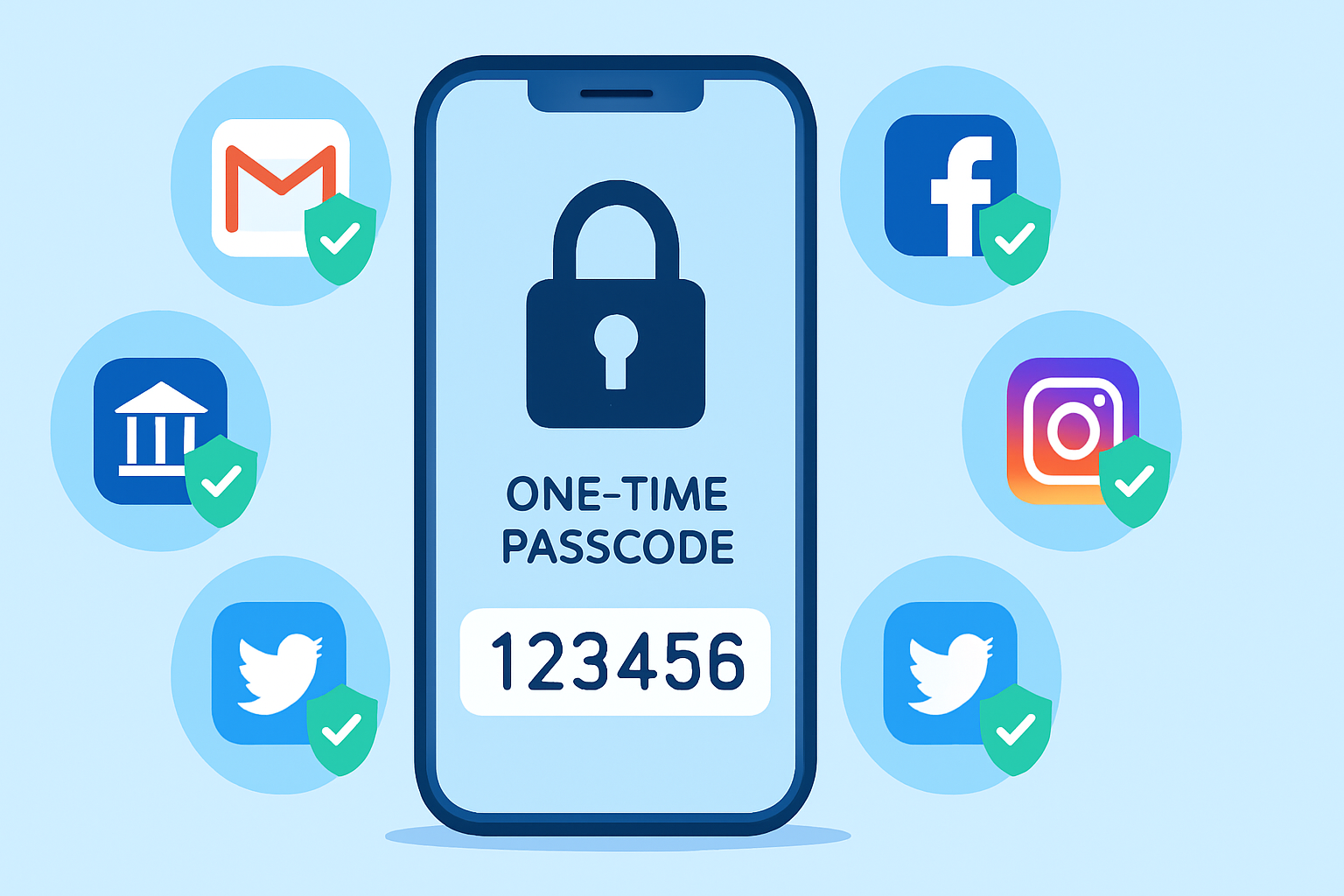
This is non-negotiable. Enable 2FA before doing anything else. In Gmail, go to your Google Account > Security > 2-Step Verification. Use an authenticator app (Google Authenticator, Authy) rather than SMS if possible, since SIM swapping can bypass SMS-based 2FA. This single step makes your account exponentially harder to hack again.
Assess the Damage: What Did They Access?
Check Your Sent Folder
Look for emails you didn't send. Hackers often use compromised accounts to send phishing emails to all your contacts. If you find suspicious sent messages, note when they were sent and who received them.
Review Email Forwarding Rules
Attackers frequently set up automatic email forwarding rules so that even after you recover access, copies of all your incoming emails still go to them. In Gmail, go to Settings > See all settings > Forwarding and POP/IMAP. Delete any forwarding addresses you did not add. In Outlook, go to Settings > Mail > Forwarding.
Check Connected Apps and Permissions
Go to your account's security settings and review which third-party apps have access to your email. Revoke access to anything you don't recognize. In Google accounts, visit myaccount.google.com > Security > Third-party apps with account access.
Protect Everything Linked to Your Email
Your email is the recovery address for dozens of accounts. An attacker with access to your email can reset passwords for your bank, Facebook, Amazon, and more. Here is the priority list of accounts to secure immediately:
Online banking and financial institutions — change passwords and verify no new payees were added.
Social media accounts (Facebook, Instagram, Twitter/X, LinkedIn).
Shopping accounts (Amazon, eBay, PayPal).
Cloud storage (Dropbox, Google Drive, OneDrive).
Work accounts and any corporate email or VPN.
Cryptocurrency wallets or exchanges if applicable.
Notify Your Contacts
Send a message to your contacts (from a different, verified email if possible) informing them that your account was compromised. Warn them not to click any links or respond to requests for money or personal information they may have received from your address. Being transparent protects them and preserves your relationships.
Run a Malware Scan on All Your Devices
If your email was hacked through malware, changing your password on an infected device just gives the attacker your new password. Before you do anything permanent, run a full malware scan on every device that has access to your email — laptop, desktop, phone, and tablet. Use Malwarebytes or a reputable antivirus tool and ensure your device is clean before finalizing your security changes.
Long-Term Prevention: Build a Security Fortress Around Your Email
Use a unique, complex password for every account — never reuse passwords.
Use a password manager such as Bitwarden (free) or 1Password to generate and store strong passwords.
Enable 2FA on every account, not just email.
Never click links in emails — always type the URL directly into your browser.
Regularly check haveibeenpwned.com to see if your email has appeared in known data breaches.
Set up a secondary recovery email that you never use for anything else.
Review account activity monthly to catch unusual behavior early.
Final Thoughts
A hacked email account is serious, but it is recoverable — if you move quickly and methodically. The steps in this guide have helped thousands of people regain control of their accounts and prevent further damage. The most valuable lesson here is not what to do after a hack, but how to build the kind of layered security that makes a hack far less likely in the first place. Start with two-factor authentication today; it is the single most effective security measure available to regular users.