The most sophisticated firewall in the world cannot protect you from typing your password into a website you believed was real. Phishing — the act of impersonating a trusted entity to trick you into revealing sensitive information — is the number one entry point for data breaches worldwide. According to cybersecurity research, over 36% of all data breaches in recent years involved phishing. And the attacks are getting smarter, more personalized, and more convincing every year.
Understanding phishing is not just a technical skill — it is a survival skill for the modern internet age. This guide breaks down exactly what phishing is, how it has evolved, and how to protect yourself and your organization from falling victim.
The Different Types of Phishing You Need to Know
Email Phishing (Classic Phishing)
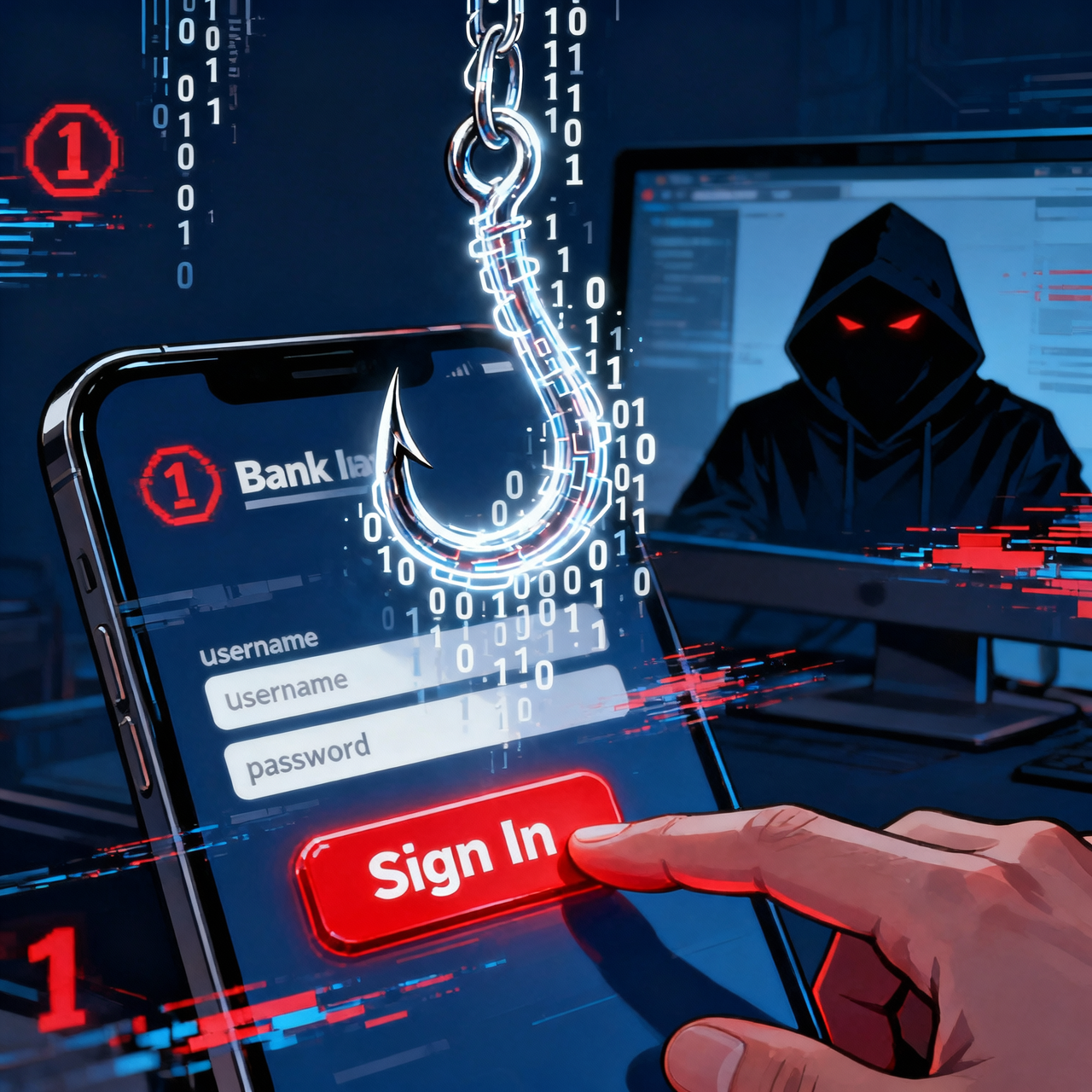
The original and most common form. Attackers send mass emails pretending to be reputable companies — banks, PayPal, Amazon, Microsoft, or government agencies. The emails typically create urgency ("Your account has been suspended!"), contain a link to a fake website that looks identical to the real one, and prompt you to enter your login credentials or payment details.
Spear Phishing
Unlike mass phishing, spear phishing is targeted at a specific individual. Attackers research their target first — gathering information from LinkedIn, social media, or data breaches — and craft a message that appears personally relevant. A spear phishing email might reference your boss's name, your company's current project, or a recent purchase you made. These attacks have a much higher success rate.
Smishing (SMS Phishing)
Phishing via text message. Common examples include fake package delivery notifications ("Your parcel is on hold — click here to reschedule"), fake bank fraud alerts, and fake prize notifications. Smishing has surged because people tend to trust text messages more than emails and act on them faster.
Vishing (Voice Phishing)
Phone call-based phishing. The caller impersonates the IRS, Microsoft Tech Support, your bank, or even law enforcement. They create urgency or fear to pressure you into revealing personal information or taking an action (like installing remote access software on your computer). AI-generated voice cloning is making vishing attacks increasingly convincing.
QR Code Phishing (Quishing)
A newer attack vector rapidly gaining popularity in 2025-2026. Attackers place malicious QR codes on fake parking payment meters, in emails, or on physical flyers. When scanned, they redirect to phishing websites. Unlike URLs, malicious QR codes are much harder to identify as suspicious before scanning.
How to Spot a Phishing Attempt: 10 Red Flags
Urgent or threatening language: "Act immediately or your account will be deleted."
Generic greetings: "Dear Customer" instead of your actual name.
Suspicious sender address: The email claims to be from PayPal but comes from paypal-security@gmail.com.
Mismatched or suspicious links: Hover over any link before clicking — the URL shown at the bottom of your browser may differ from the link text.
Requests for sensitive information: Legitimate companies never ask for your password, full credit card number, or Social Security Number via email.
Poor spelling and grammar: Professional organizations proofread their communications. Typos and awkward phrasing are common in phishing emails.
Unexpected attachments: Be especially wary of .exe, .zip, .docm, or .xlsm files from unknown senders.
Fake invoices or receipts: "You were charged $499 for a subscription. Click here to cancel." Designed to panic you into clicking without thinking.
Too good to be true offers: Winning a lottery you never entered or receiving a refund from an unexpected source.
Mismatched branding: Colors, logos, or fonts that do not quite match the real company's branding.
Practical Steps to Protect Yourself from Phishing
Think Before You Click
Develop the habit of pausing before clicking any link in an email or text message. Instead of clicking the link, open a new browser tab and type the company's address directly. If there really is a problem with your account, you will see it after logging in normally.
Verify Suspicious Communications
If you receive a suspicious email or call from your bank or a service provider, do not use the contact information provided in that email or call. Instead, find the company's official phone number on their website and call to verify whether the communication is legitimate.
Use Multi-Factor Authentication Everywhere
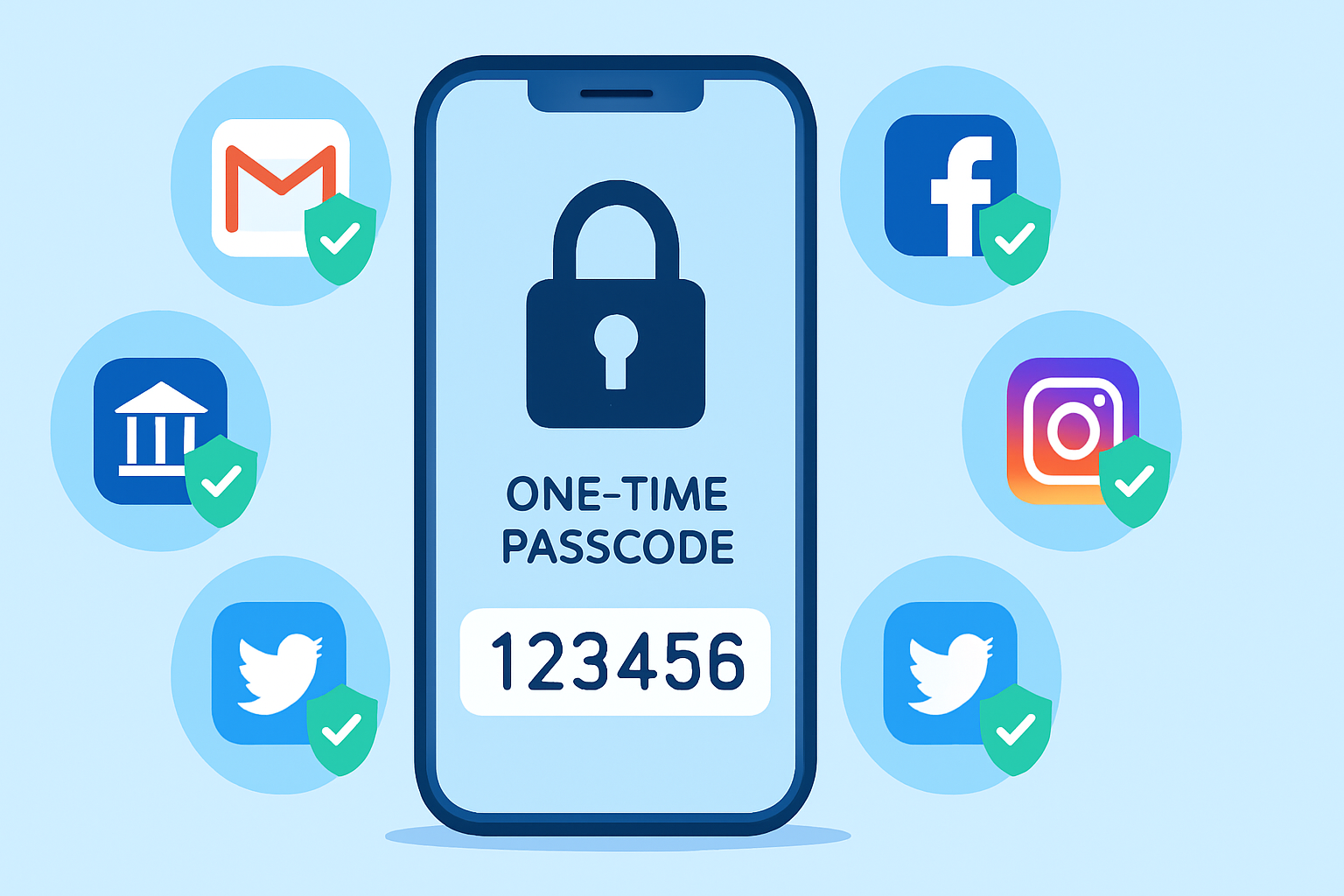
Even if a phishing attack succeeds in stealing your password, multi-factor authentication (MFA) prevents attackers from logging in without also having access to your second factor. Enable MFA on every account that supports it, prioritizing email, banking, and social media accounts.
Use a Password Manager
Password managers are surprisingly powerful anti-phishing tools. They only auto-fill credentials on the exact domain they were saved for. If you've been taken to a fake bank website (fakebank.com instead of yourbank.com), your password manager will not fill in your credentials — a silent alarm that something is wrong.
Keep Software and Browsers Updated
Browsers and operating systems include phishing protection features that rely on up-to-date threat databases. Keeping everything updated ensures you benefit from the latest protection against known phishing domains.
What to Do If You Fell for a Phishing Attack
Do not panic. Quick action minimizes damage.
Change the password of any account that may have been compromised immediately.
Enable two-factor authentication if it is not already active.
Check for unauthorized activity in all linked accounts.
Report the phishing attempt to the company being impersonated (most have a dedicated abuse email address).
If financial information was compromised, contact your bank immediately and consider freezing your credit.
Report to the Anti-Phishing Working Group at reportphishing@apwg.org and to the FTC at reportfraud.ftc.gov.
Final Thoughts
Phishing works because it exploits human psychology — urgency, fear, curiosity, and trust. No amount of technical security makes up for a moment of inattention. The best defense is a combination of healthy skepticism, strong authentication practices, and a habit of verifying before acting. Teach these habits to your family, especially elderly relatives who are disproportionately targeted by phone and email scams. Awareness is genuinely the most powerful security tool you have.
Blog Page......................