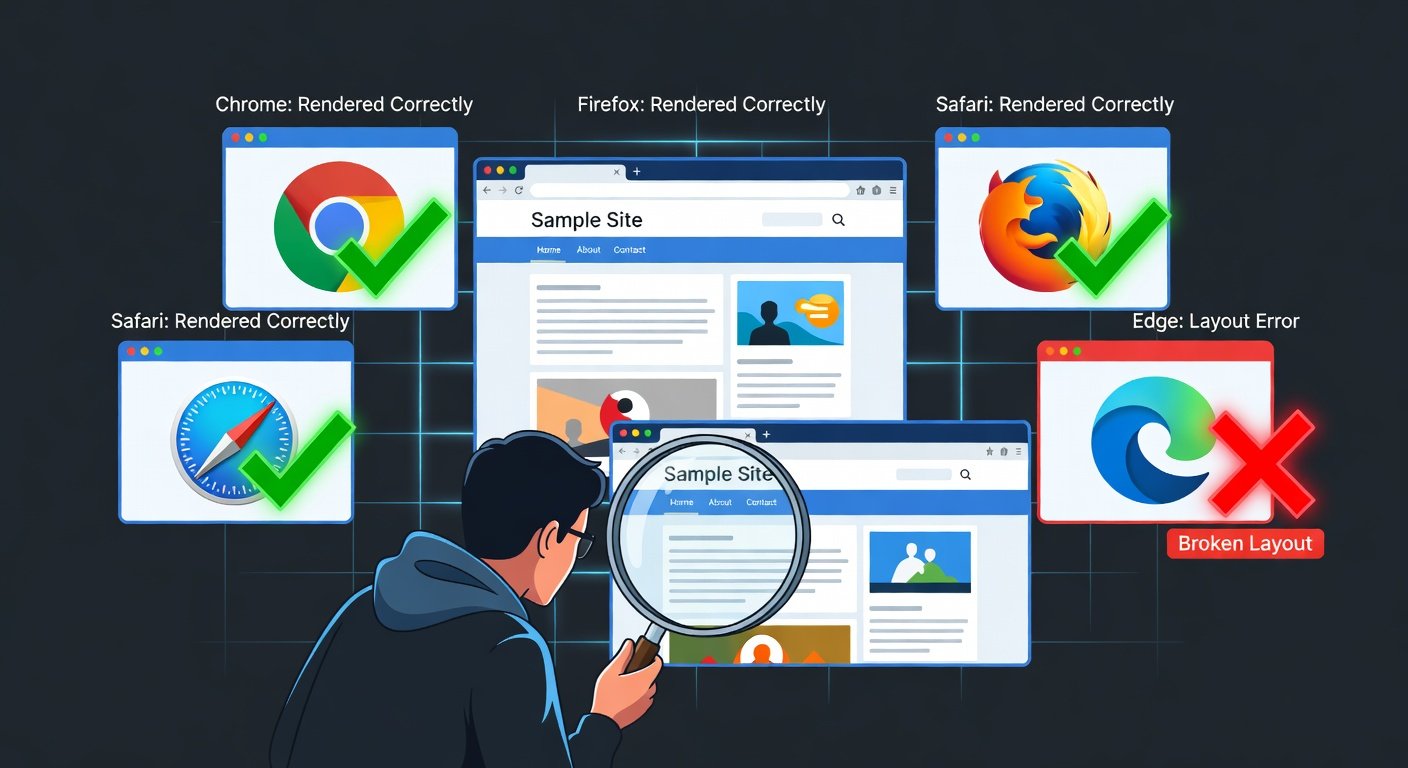
You spend hours perfecting your website design in Chrome, publish it, and then someone messages you to say the navigation is completely broken in Safari. Or a client reports that buttons do not work in Firefox. Cross-browser issues are one of the most persistent headaches in web development — and they do not disappear no matter how experienced you get.
This guide gives you a systematic approach to discovering compatibility problems and a toolkit of fixes for the most common cross-browser bugs, so you can stop putting out fires and start shipping confidently.
Why Do Cross-Browser Issues Exist?
Different browsers use different rendering engines. Chrome and Edge use Blink, Firefox uses Gecko, and Safari uses WebKit. Each engine interprets HTML, CSS, and JavaScript with subtle differences. Some browsers implement new web standards faster than others. Some features are experimental in one browser while fully supported in another. The browser ecosystem has improved dramatically in recent years, but differences remain — especially between the latest Chrome and older Safari versions, or when supporting any legacy browser.
Step 1: Identify What You Are Actually Supporting
Before fixing anything, decide which browsers you need to support. Check your Google Analytics to see which browsers your actual users are using. There is no point spending hours fixing a layout in IE11 if zero percent of your visitors use it. A common modern support matrix is: the last 2 versions of Chrome, Firefox, Edge, and Safari, plus any browsers that represent more than 1% of your traffic. This gives you a realistic target without supporting ancient browsers that almost nobody uses.
Step 2: Use the Right Testing Tools
BrowserStack (The Professional Choice)
BrowserStack lets you test your website in real browsers running on real devices in the cloud. You can test any combination of browser, browser version, and operating system. It has a free trial and paid plans for ongoing testing. This is the gold standard for cross-browser testing.
caniuse.com (The Developer's Daily Reference)
Before using any CSS property or JavaScript API, check caniuse.com to see its browser support table. This tells you exactly which browsers support a feature and which do not. It is an essential bookmark for any web developer.
Browser Developer Tools
Install Firefox and Safari (macOS or iOS) alongside Chrome. Each has its own DevTools. Regularly check your site in all three. Safari on iPhone has a unique rendering engine that commonly shows different behavior from Chrome on Android.
Common CSS Compatibility Issues and Fixes
Flexbox and Grid Gaps in Older Browsers
The gap property (used in Flexbox and Grid) is not supported in some older browsers. The fix is to use the older grid-gap property as a fallback, or use margin on child elements. For very old browsers, use margin-right and margin-bottom on flex children instead of gap.
CSS Variables Not Working
CSS custom properties (variables) are not supported in IE11. If you need IE11 support, provide a hardcoded fallback value before the variable: color: blue; color: var(--primary-color); — the browser uses the last valid value it understands.
The Safari Flexbox Bugs
Safari has historically had several Flexbox bugs. The most common: Safari sometimes ignores min-height on flex containers. Fix by adding height: 0 on flex children. Safari has issues with flex-grow on elements inside a form. The Autoprefixer tool automatically adds -webkit- vendor prefixes to properties that need them for Safari compatibility.
Safari Does Not Support CSS Subgrid
CSS Subgrid is supported in Chrome and Firefox but has only recently gained Safari support. If you need it in older Safari, provide a Flexbox fallback using feature detection: @supports (grid-template-columns: subgrid) { ... }.
CSS Animations Flickering in Safari
Animations and transforms sometimes flicker or jitter in Safari. Adding -webkit-transform: translateZ(0) or will-change: transform to the animated element often resolves this by triggering GPU acceleration.
JavaScript Compatibility Issues and Fixes
Using Babel for Modern JavaScript
Modern JavaScript (ES6+) features like arrow functions, template literals, destructuring, and optional chaining are not supported in old browsers. Babel is a JavaScript compiler that transforms modern JS into backwards-compatible code. Most build tools (Webpack, Vite, Parcel) include Babel configuration options.
Polyfills
A polyfill is a piece of JavaScript that implements a modern browser API in older browsers that do not have it natively. For example, a fetch() polyfill lets old browsers use the modern Fetch API. core-js is a comprehensive polyfill library. Polyfill.io automatically serves only the polyfills needed by the requesting browser.
The Autoprefixer Tool
Many CSS properties still require vendor prefixes (-webkit-, -moz-, -ms-) for full cross-browser support. Writing these by hand is tedious and error-prone. Autoprefixer is a PostCSS plugin that reads your CSS and automatically adds the necessary prefixes based on the browser support you specify. Integrate it into your build process and forget about prefixes entirely.
Normalize.css and CSS Resets
Every browser applies its own default styles to HTML elements. A heading might have slightly different margins in Chrome vs Firefox. A CSS reset or normalize.css removes these browser defaults so you start from a consistent baseline. Modern.css and Normalize.css are both excellent starting points. Most CSS frameworks like Bootstrap and Tailwind include their own normalize.
Building a Cross-Browser Testing Workflow
Develop primarily in Chrome DevTools. Test in Firefox and Safari weekly during development. Use BrowserStack for a full cross-browser review before any major release. Set up automated cross-browser testing with tools like Playwright or Cypress for critical user flows. Document known issues and their fixes in a team wiki so colleagues do not solve the same problem twice.
Conclusion
Cross-browser compatibility is not something you can fully eliminate, but you can manage it effectively with the right tools and workflow. Know your target browsers, use caniuse.com before implementing new features, use Autoprefixer and Babel in your build process, and test regularly in real browsers. The goal is not a perfectly identical experience in every browser — it is a functional, high-quality experience for all your real users, whatever browser they use.
https://techmkit.com/blog/why-is-my-website-so-slow-how-to-actually-fix-them
https://techmkit.com/blog/flexbox-vs-grid-stop-guessing-know-which-one-to-use
https://techmkit.com/blog/12-common-javascript-errors-causes-fixes-techmkit