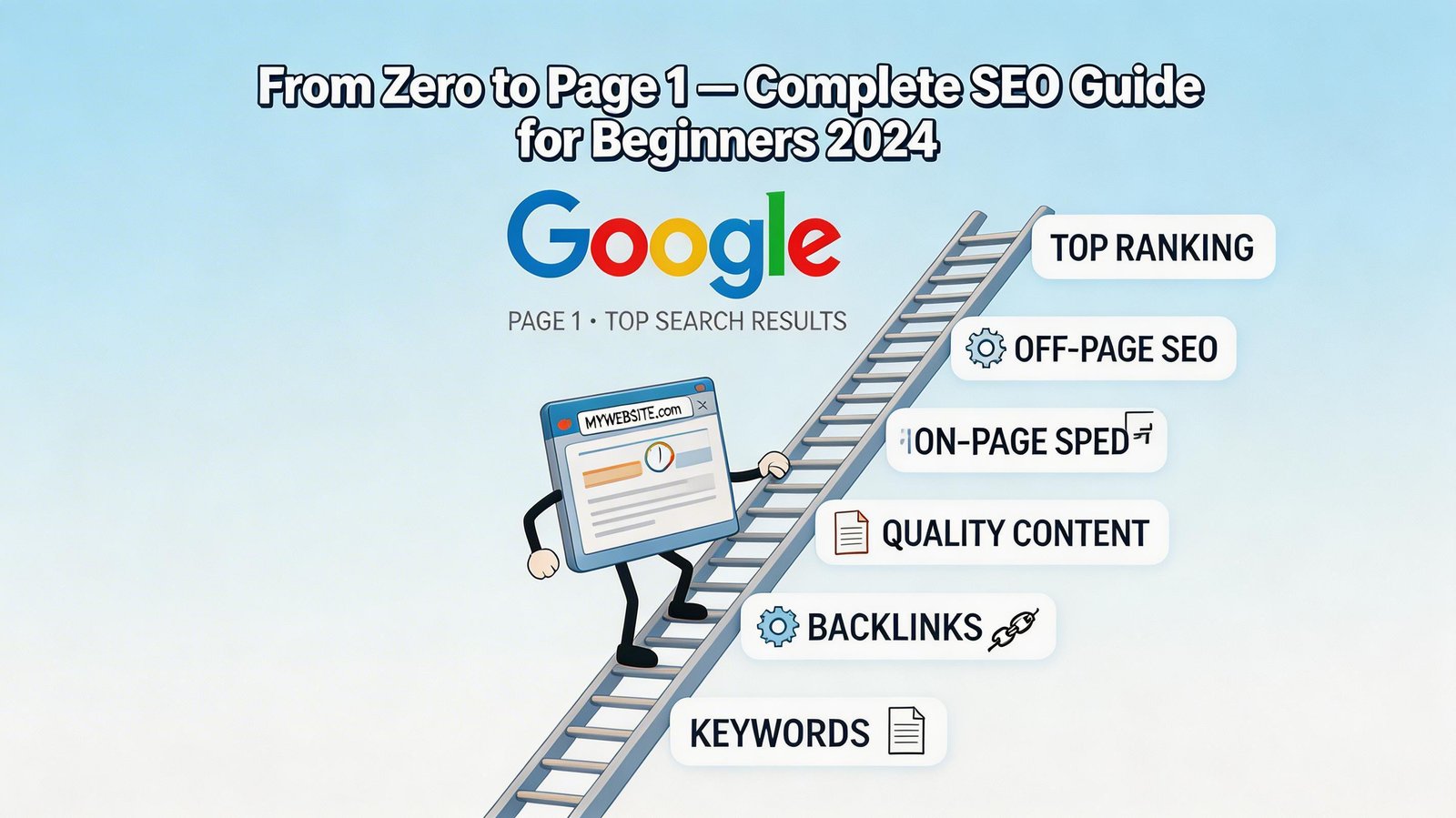
Every day, people search Google over 8.5 billion times. When someone searches for a product, service, or answer that your website provides, being on page 1 of the results means potentially thousands of free visitors. Being on page 2 or beyond means being essentially invisible — 91% of searchers never go past the first page.
Search Engine Optimization (SEO) is the practice of making your website rank higher in search results. It sounds technical and intimidating, but the fundamentals are learnable by anyone. This guide explains exactly what SEO is, how Google decides who ranks where, and the specific steps to improve your website's visibility.
How Google Decides Who Ranks Where
Google's entire business depends on showing people the most relevant, trustworthy results for their searches. When you search for something, Google's algorithm evaluates hundreds of factors to rank the best content. The main categories are:
Relevance: Does the page clearly address what the searcher is looking for?
Authority: Has this page earned trust signals (links from other sites, engagement)?
User Experience: Is the page fast, mobile-friendly, and easy to navigate?
Content Quality: Is the content accurate, comprehensive, and genuinely useful?
Understanding that Google wants to give searchers the best possible result changes how you think about SEO. You are not trying to trick Google — you are trying to genuinely create the best page on the internet for a specific topic.
Step 1: Keyword Research — Finding What People Actually Search For
Keyword research is the foundation of SEO. Before writing any content, you need to know exactly what phrases people type into Google when looking for what you offer.
Types of Keywords
Short-tail keywords: broad, high-volume, highly competitive ('shoes', 'marketing')
Long-tail keywords: specific, lower-volume, much less competitive ('best running shoes for flat feet', 'email marketing for small restaurants')
For beginners, long-tail keywords are the smart starting point. A blog about marketing can realistically rank for 'email marketing tips for small restaurants' within months. Ranking for 'email marketing' would take years of work.
Free Keyword Research Tools
Google Search Autocomplete: type your topic in Google and see what Google suggests
Google's 'People Also Ask' section: shows related questions people search for
Uber suggest (free tier): shows search volume and competition for keywords
Google Keyword Planner: Google's own tool (requires free Google Ads account)
Answer The Public: shows question-format keywords around any topic
Look for keywords with Search Volume above 100/month and Keyword Difficulty below 30 (on a 0-100 scale) as your targets when starting.
Step 2: On-Page SEO — Optimizing Each Page
On-page SEO is everything you do on the actual page to help Google understand and rank it. These are factors entirely under your control.
Title Tag
The title tag is the clickable headline that appears in Google search results. It should: include your target keyword near the beginning, be 50-60 characters long, and be compelling enough that people want to click it. Example: 'Running Shoes for Flat Feet: 8 Best Options in 2024 [Expert Review]'
Meta Description
The meta description appears below the title in search results. While it does not directly affect rankings, it significantly influences whether people click. Write 150-160 characters that summarize the page and include a reason to click.
Headers (H1, H2, H3)
Use your primary keyword in the H1 heading (once, at the top of the page). Use related keywords and subtopics in H2 and H3 subheadings. This helps Google understand the structure of your content.
Content
Write content that thoroughly covers the topic. Google prefers comprehensive, detailed content — not because longer is better, but because thorough content demonstrates expertise. Use your keyword naturally throughout, but do not stuff it unnaturally.
URL Structure
Keep URLs short, readable, and keyword-containing. Good: yoursite.com/running-shoes-flat-feet. Bad: yoursite.com/p?id=4729&cat=shoes&ref=blog.
Images
Every image needs descriptive alt text (a short description of what the image shows) so Google can understand it. Compress images to reduce page load time.
Step 3: Technical SEO — Making Your Site Easy for Google to Crawl
Technical SEO ensures Google can find, crawl, and index your website efficiently.
Website Speed
Google uses page speed as a ranking factor. Test your site at Page Speed Insights (page speed. web. dev). Key improvements: compress images, enable browser caching, use a Content Delivery Network (CDN), and minimize unnecessary JavaScript.
Mobile-Friendliness
Google uses mobile-first indexing — it primarily evaluates the mobile version of your site. Test with Google's Mobile-Friendly Test tool. Your theme or template must be responsive.
SSL Certificate (HTTPS)
Sites without HTTPS are flagged as 'Not Secure' by Chrome, which damages trust and rankings. Most modern hosting providers offer free SSL through Let's Encrypt.
Sitemap and robots.txt
Submit an XML sitemap to Google Search Console so Google knows all the pages on your site. Verify your robots.txt file is not accidentally blocking important pages from being indexed.
Step 4: Content Strategy — Creating Content That Ranks
Content is how you rank for keywords. Every piece of content should target a specific keyword and answer a specific search intent.
Search Intent
Before writing, understand why people search for the keyword:
Informational: 'how to bake sourdough' — they want to learn
Navigational: 'Facebook login' — they want to find a specific site
Commercial: 'best DSLR camera under $500' — they are researching before buying
Transactional: 'buy Nike Air Max 90' — they are ready to purchase
Your content format should match the intent. Informational searches want detailed guides. Transactional searches want product pages with clear purchase paths.
Content Calendar
Publish consistently. Google rewards websites that regularly add quality content. Even one thoroughly-researched, comprehensive article per week compounds into a significant content library over a year.
Step 5: Link Building — Earning Authority
Backlinks (links from other websites to yours) are one of Google's strongest ranking signals. Each backlink from a reputable site is a vote of confidence in your content.
Beginner Link Building Strategies
Create genuinely valuable, shareable content (people naturally link to excellent resources)
Guest posting: write articles for other websites in your industry with a link back
Help A Reporter Out (HARO): respond to journalist queries to earn media mentions
Resource page link building: find pages that list industry resources and suggest your content
Broken link building: find broken links on relevant sites and suggest your content as a replacement
Step 6: Google Search Console — Monitor and Measure
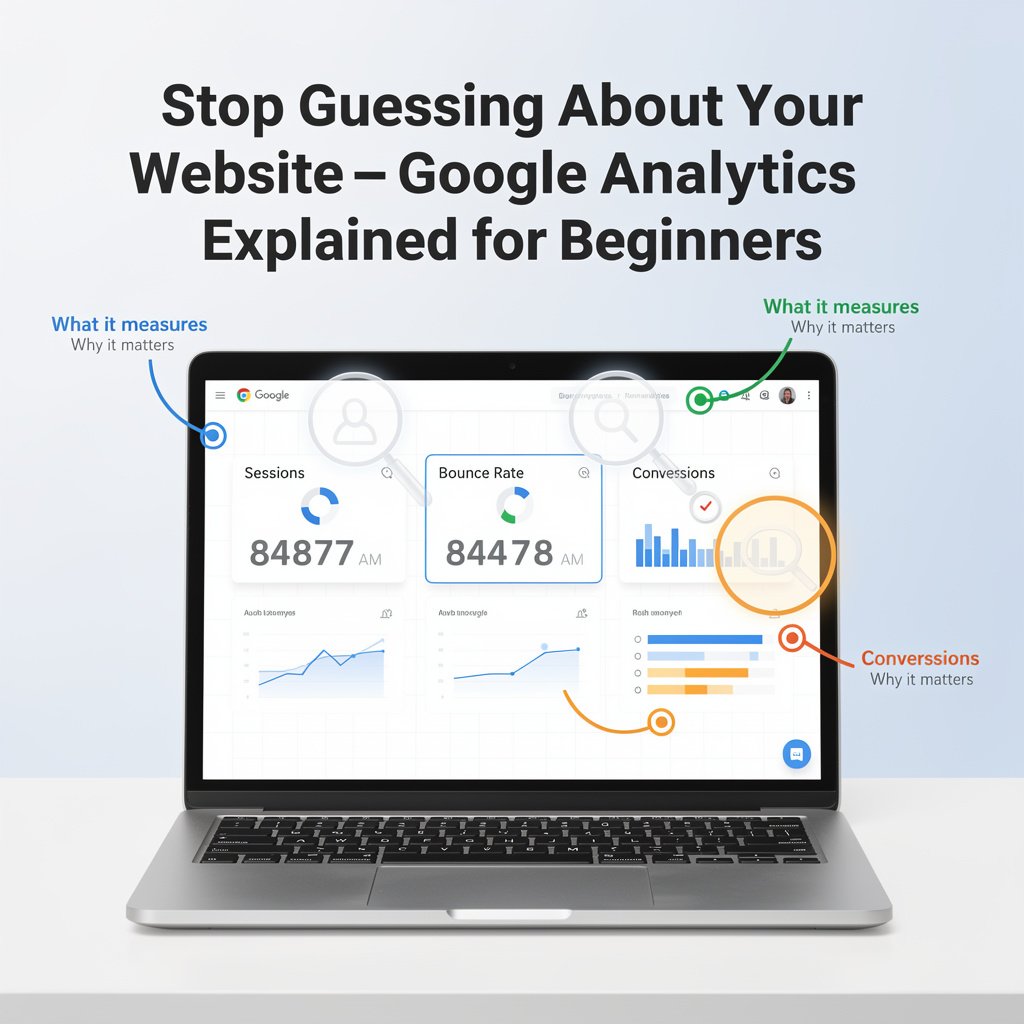
Google Search Console is a free tool that shows you which keywords you rank for, how many clicks you receive, which pages perform best, and any technical errors Google finds.
Go to search.google.com/search-console and add your site
Verify ownership via DNS record or HTML tag
Submit your XML sitemap
Monitor the Performance report weekly for keyword and click data
Check Coverage report for indexing errors
How Long Does SEO Take to Work?
Honest answer: for most new websites, expect 3-6 months before seeing meaningful organic traffic from competitive keywords. Long-tail keywords on new sites can rank in 4-8 weeks. This timeline frustrates people who want immediate results, but the compounding nature of SEO means the organic traffic earned in month 6 continues growing in months 12, 24, and beyond — unlike paid ads that stop the moment you stop paying.
Conclusion
SEO in 2026 rewards websites that genuinely serve their visitors: accurate, comprehensive content, fast loading, mobile-friendly experience, and trustworthy information. The technical complexity is real but learnable. Start with keyword research, optimize your existing pages, fix technical issues, publish quality content consistently, and build links over time. The results compound significantly and create a sustainable traffic channel that no algorithm change can completely eliminate.