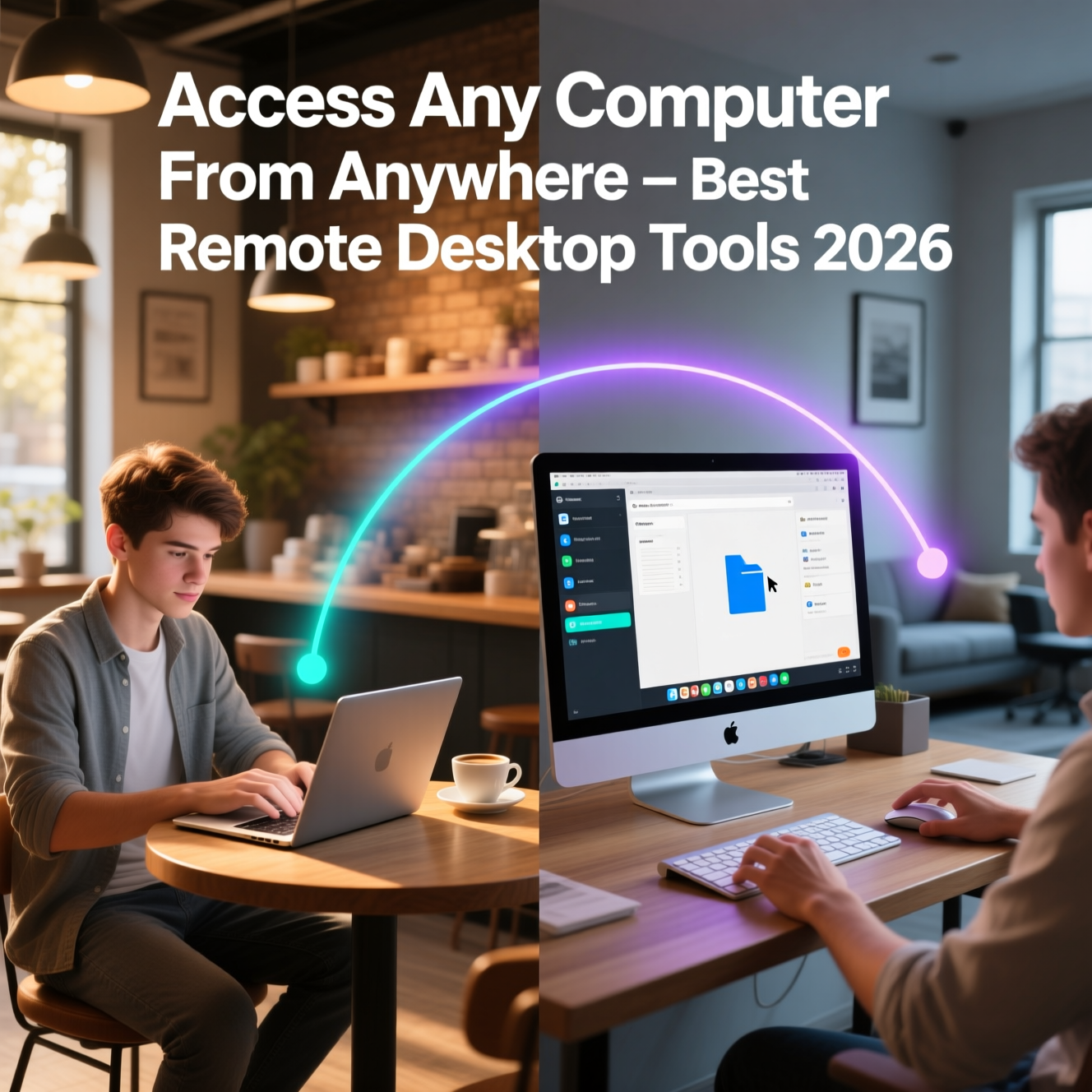
Remote desktop software has transformed how we work, support family members' tech issues, and access files from different locations. Whether you need to log into your office PC from home, help your parent fix their computer without driving across town, or access a server from a mobile device, the right remote desktop tool makes it seamless.
This review covers the best remote desktop software in 2026, with a focus on security, performance, and how much each solution costs for different use cases.
1. Chrome Remote Desktop — Best Free Remote Desktop for Casual Use
Developed by Google, Chrome Remote Desktop is the simplest and most accessible free remote desktop solution available. Because it runs through the Chrome browser, it works on Windows, Mac, Linux, and Chromebook without any dedicated installation on the host side.
Key Features
Free with no limitations or time restrictions
Access your own computers from any device with Chrome
Remote support sessions for helping others
PIN-based access control
Cross-platform: Windows, Mac, Linux, Android, iOS
File transfer support
The limitation of Chrome Remote Desktop is performance — it uses H.264 video compression which can lag on slower connections and does not support the advanced display protocols that dedicated tools offer. For helping family members or accessing files on your home PC, it is unbeatable in simplicity. For professional remote work, it falls short.
2. AnyDesk — Best Balance of Performance and Price
AnyDesk is widely regarded as the fastest remote desktop experience available, thanks to its proprietary DeskRT codec which is specifically optimized for screen content. It feels noticeably smoother than competitors on the same connection.
Key Features
DeskRT codec for low-latency, high-quality screen transmission
Unattended access setup for servers and home PCs
File transfer and clipboard sharing
Session recording
Two-factor authentication
Mobile apps for iOS and Android
Privacy mode (black out the remote screen during access)
Pricing: AnyDesk is free for personal non-commercial use. Business licenses start at $14.90/month for one connection. The distinction between personal and commercial use is important — using it to support clients or in a business context requires a paid license.
3. Microsoft Remote Desktop (RDP) — Best for Windows-to-Windows
Remote Desktop Protocol (RDP) is built into Windows Pro and Enterprise editions. It is the most performant remote desktop experience available for Windows-to-Windows connections because it runs at the OS level without third-party software.
Requirements and Setup
Host PC must run Windows Pro, Enterprise, or Server (not Home edition)
Enable Remote Desktop in Settings > System > Remote Desktop
For internet access, configure port forwarding on your router (port 3389) or use a VPN
Microsoft's Remote Desktop client is free and available on Windows, Mac, iOS, and Android. Performance is excellent on local networks. Over the internet, setup is more complex than consumer-oriented tools, requiring either VPN, port forwarding, or Windows 365 Cloud PC.
4. TeamViewer — Most Feature-Complete Remote Desktop
TeamViewer remains the most feature-rich remote desktop platform available, with capabilities that span personal remote access, IT support, device management, and augmented reality remote assistance. It has been the corporate standard for a decade.
Key Features
Remote access and control with excellent performance
File transfer, clipboard, and session recording
Multi-monitor support
Wake-on-LAN to remotely power on sleeping computers
Device management console for IT administrators
Mobile device remote control
AR remote assistance with TeamViewer Pilot
TeamViewer is free for personal non-commercial use. Business licensing starts at $24.90/month, which is significantly more expensive than AnyDesk. TeamViewer has also been aggressive about detecting and blocking commercial use on personal licenses.
5. Parsec — Best for Gaming and Graphics-Intensive Remote Access
Parsec is in a category of its own — it is specifically engineered for streaming high-performance graphics content over remote desktop. Gamers use it to play PC games on any device, including a MacBook or Android tablet, from their gaming rig.
Key Features
Low-latency game streaming from your home PC
Up to 4K 60fps streaming
Sub-30ms latency on good connections
Controller and keyboard passthrough
Multi-monitor support
Teams feature for collaborative creative work
Parsec is free for personal use. The Warp paid tier adds more quality options and team features. For any remote desktop use case involving creative software (video editing, 3D rendering, CAD) or gaming, Parsec is the purpose-built solution.
6. Splashtop — Best for IT Professionals
Splashtop offers remote desktop specifically targeted at IT support teams and managed service providers. Its remote support tools are particularly strong:
1-click attended support sessions
Unattended access to servers and workstations
Diagnostic tools during remote sessions
Session notes and recording
Integration with ticketing systems
Splashtop Business Access costs $5/month per user (annual plan) — significantly cheaper than TeamViewer for equivalent business functionality.
Which Remote Desktop Software Should You Choose?
Personal use, helping family → Chrome Remote Desktop (free)
Daily remote work from home → AnyDesk or Microsoft RDP
IT support professional → Splashtop Business
Enterprise with full feature needs → TeamViewer
Gaming or creative work remotely → Parsec
Security Best Practices for Remote Desktop
Always use two-factor authentication when available
Set strong access PINs and change them regularly
Enable session logging so you can review who accessed what
Use RDP behind a VPN rather than exposing port 3389 to the internet
Revoke access for devices you no longer use
Conclusion
Chrome Remote Desktop is the easiest starting point for free personal use. AnyDesk offers the best combination of performance and value for regular remote work. IT professionals will find Splashtop provides the best bang-for-buck among paid solutions. Whichever you choose, remote desktop software is an essential productivity tool that pays for itself in the first week of use.
Others Blog...................