Somewhere on the dark web right now, there are databases containing the personal information of hundreds of millions of people — email addresses, passwords, credit card numbers, Social Security numbers, physical addresses, and more. These databases are the result of data breaches at companies where you signed up for accounts over the years. The painful reality is that most people have no idea their information has been exposed until they become a victim of identity theft or financial fraud.
The good news: you can check whether your data has appeared in known breaches — for free — right now. And there are concrete steps you can take to minimize the damage if it has.
What Is the Dark Web?
The internet has three layers. The "surface web" is what you access through Google — websites indexed by search engines. The "deep web" includes content not indexed by search engines, like your bank account or private email. The "dark web" is a portion of the deep web accessible only through specialized software like Tor, where anonymity is prized and illegal activity is common.
Cybercriminals use dark web forums and marketplaces to buy and sell stolen data. A package of 10,000 email-password combinations might sell for just a few dollars. Credit card details, Social Security numbers, and medical records fetch higher prices. Once your data is out there, it gets traded repeatedly.
How to Check If Your Data Has Been Exposed
Have I Been Pwned (haveibeenpwned.com)
Created by security researcher Troy Hunt, this is the gold standard for breach checking. Simply enter your email address, and the service checks it against a database of billions of records from known breaches. It tells you which specific breaches your email appeared in and what data was exposed. It does not reveal your actual passwords but tells you if they were included in a breach. The service is free and has checked over 12 billion records.
Google's Password Checkup
If you use Chrome and have saved passwords, Google automatically checks them against known breach databases. Go to passwords.google.com and click "Go to Password Checkup." Any compromised passwords will be flagged with a warning and an option to change them immediately.
Firefox Monitor
Mozilla's free service (monitor.firefox.com) also uses Have I Been Pwned's database to check your email address and alert you to new breaches as they are discovered. You can also sign up for automatic breach alerts so you are notified the moment your email appears in a newly discovered breach.
Credit Card and Bank Alert Services
Most banks and credit card companies offer free alerts for unusual activity. Enabling these means you will receive a text or email the moment an unusual purchase is made. Some banks also offer free dark web monitoring as part of their premium account services.
My Email Was in a Breach — What Now?
Do not panic, but do act promptly. Here is your action plan, in order of priority:
Change the password for the specific service that was breached immediately.
If you used the same password on other accounts (do not do this going forward), change it on every account where it was reused.
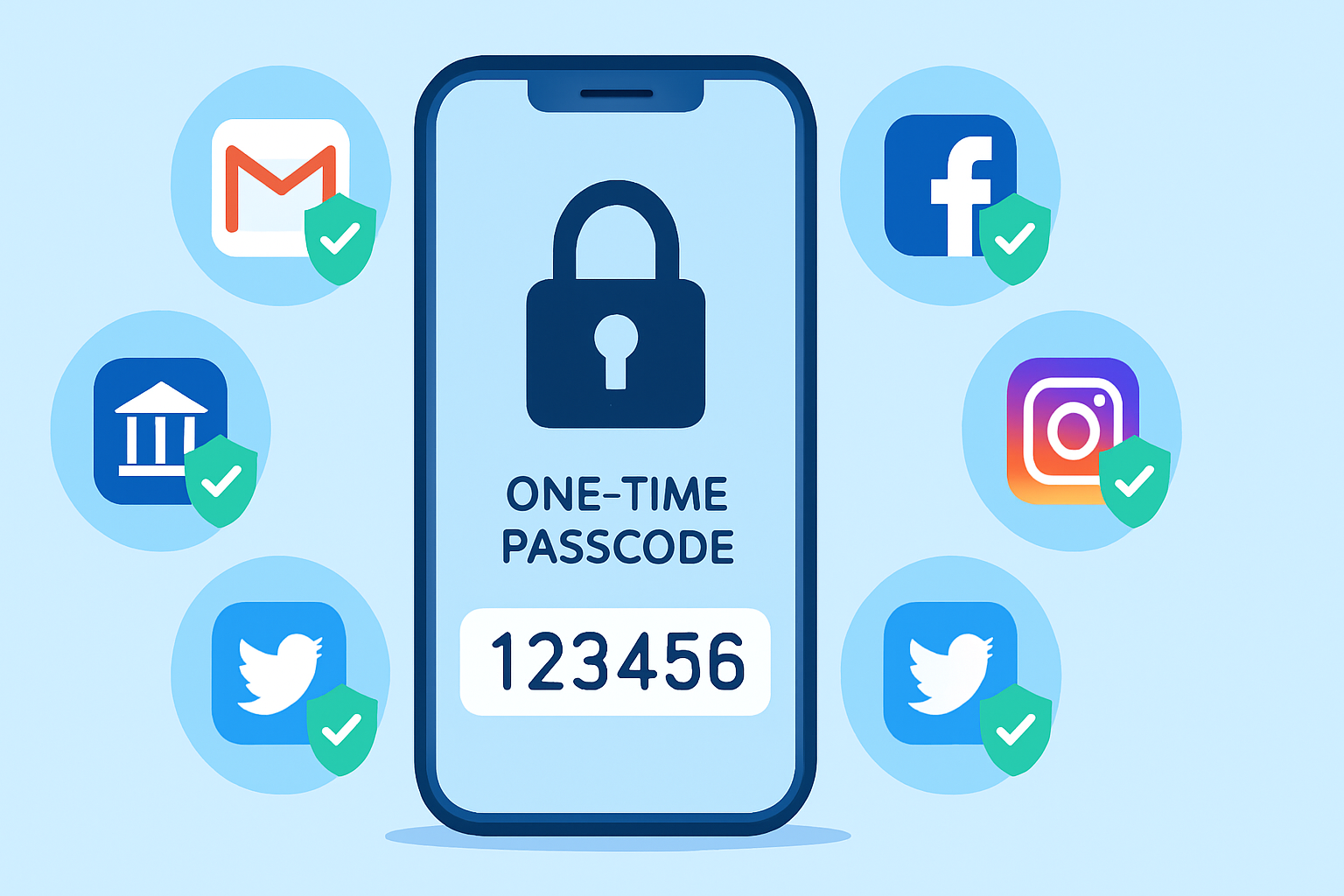
Enable two-factor authentication on the affected account and any others that support it.
Check recent activity on the breached account for unauthorized access or settings changes.
If financial data was involved, call your bank or card issuer and consider requesting a new card number.
If Social Security or government ID numbers were exposed, visit identitytheft.gov (US) for a step-by-step recovery plan and consider freezing your credit.
How to Freeze Your Credit and Why It Matters
A credit freeze — also called a security freeze — prevents new credit accounts from being opened in your name, even if a thief has your Social Security number. It is one of the most powerful identity theft defenses available. In the US, contact all three major credit bureaus: Equifax, Experian, and TransUnion. Freezing is free and does not affect your existing credit. You can temporarily lift the freeze when you need to apply for credit.
Ongoing Monitoring: Set It and Forget It
Rather than checking manually every few months, set up automatic monitoring:
Sign up for breach alerts on haveibeenpwned.com and Firefox Monitor.
Enable Google Password Checkup notifications.
Set up credit monitoring alerts through your bank or a free service like Credit Karma.
If you have been a victim of identity theft before, consider paid identity protection services like LifeLock or Aura, which offer dark web scanning, credit monitoring, and insurance coverage.
Best Practices to Minimize Future Exposure
Use a unique password for every single account — a password manager makes this practical.
Use email aliases for services you do not fully trust (e.g., yourname+shopping@gmail.com).
Minimize the personal information you provide when signing up for services.
Regularly delete accounts on services you no longer use.
Enable login notifications on all important accounts so you know immediately if someone logs in from a new device.
Final Thoughts
Data breaches are not rare anomalies — they are a regular feature of the modern internet. Major companies with enormous security budgets get hacked; it is not a question of if but when. Your job is not to prevent companies from being breached (you cannot), but to limit the damage when they are. With unique passwords, two-factor authentication, and proactive monitoring, you can significantly reduce the risk that a data breach turns into a personal financial nightmare.
Our Blog Page..............https://techmkit.com/blog