You've typed your prompt carefully, hit generate, and waited — only to get a blurry mess, a completely wrong scene, or worse, a content policy refusal. AI image generators like Midjourney, DALL-E 3, and Stable Diffusion are extraordinary tools, but they require a learning curve that nobody warns you about.
The difference between someone who gets stunning AI images consistently and someone who keeps getting disappointed isn't talent — it's technique. In this guide, we cover ten specific, actionable fixes for the most common AI image generation problems.
Fix 1: The Art of Descriptive Prompting
The most common reason AI images disappoint is prompt vagueness. 'A forest at sunset' will give you something generic. 'A misty ancient forest at golden sunset, massive redwood trees casting long shadows, rays of light filtering through dense fog, photorealistic, Canon R5 quality, dramatic atmospheric perspective, National Geographic style' gives you something extraordinary. The rule of thumb: describe the subject, the setting, the lighting, the mood, the style, and the technical quality you want. Leave nothing to chance.
Fix 2: Master Negative Prompts
In Stable Diffusion and many other generators, negative prompts are as powerful as positive ones. Use them to actively exclude what you don't want. A standard negative prompt might include: 'blurry, low quality, distorted faces, extra fingers, bad anatomy, watermark, text overlay, oversaturated, noise, grain, cartoon.' Applying negative prompts consistently eliminates the most common visual artifacts that make AI images look amateur.
Fix 3: Specify Art Style and Medium
AI generators respond powerfully to style keywords. 'Oil painting by Rembrandt,' 'cyberpunk digital art,' 'soft watercolor illustration,' 'black and white film photography' — these words dramatically shape the visual output. Don't leave the style undefined. Pick one clear aesthetic direction and commit to it. Mixing too many conflicting styles (cartoon AND hyper realistic AND oil painting) confuses the model and produces incoherent results.
Fix 4: Use Correct Aspect Ratios
The default 1:1 square format isn't ideal for most uses. For blog featured images, use 16:9 (landscape). For portrait photos or Instagram stories, use 4:5 or 9:16. For Pinterest graphics, use 2:3. Setting the right aspect ratio from the start saves you from cropping awkward images later. In Mid journey, use '--ar 16:9'. In DALL-E, select the ratio in the interface. In Stable Diffusion, set width and height directly.
Fix 5: Leverage Reference Images
Most modern AI image tools accept a reference image alongside your text prompt. This 'image-to-image' or 'style reference' feature is enormously powerful. Find a reference image that captures the mood, composition, or style you want, upload it, and let the AI use it as a visual anchor. This dramatically reduces the gap between what you imagine and what the AI produces.
Fix 6: Generate Multiple Variations and Upscale
Never judge an AI image generator by a single output. Always generate at least 4 variations before deciding the tool 'can't do' something. Different seeds produce wildly different results from identical prompts. Once you find a composition you like, use the upscaling feature to increase resolution and detail. Mid journey's V5 and V6 upscalers add remarkable detail to initially rough outputs.
Fix 7: Understand and Work Around Content Policies
Every AI image generator has content restrictions. Getting a refusal usually means your prompt triggered a safety filter — often for reasons that aren't obvious. The fix is to reframe. Instead of descriptive terms that might be flagged, describe compositionally. 'A person experiencing intense physical effort' instead of language that might trigger violence filters. 'A dramatic stage performance' instead of something that might be misread. Content policies are broad, so slight rephrasing often resolves refusals entirely.
Fix 8: Use Seed Numbers to Iterate
When you find an image you almost love but want to tweak, save the seed number. In Midjourney, you can view seeds by reacting to your own message with the envelope emoji. In Stable Diffusion, it's displayed with every generation. Using the same seed with a slightly modified prompt produces consistent iterative improvements rather than starting from scratch each time.
Fix 9: Optimize for Platform Requirements
Different platforms have different technical requirements. For web use, you want high-resolution outputs (at least 1200px wide) at 72 DPI. For print, you need 300 DPI outputs which requires upscaling or specialized tools. For social media thumbnails, text-free images perform better because platforms like Facebook overlay their own text. Factoring in end-use requirements before generating saves significant post-processing time.
Fix 10: Use the Right Tool for the Right Job
Mid journey excels at artistic, atmospheric, and artistic portrait work. DALL-E 3 is best for conceptual illustration and renders text in images more accurately than competitors. Stable Diffusion with fine-tuned models is ideal for photorealism and has the most customization. Adobe Firefly is the safest for commercial use since its training data is licensed. Match the tool to your specific output goal rather than using one tool for everything.
Troubleshooting Server and Queue Errors
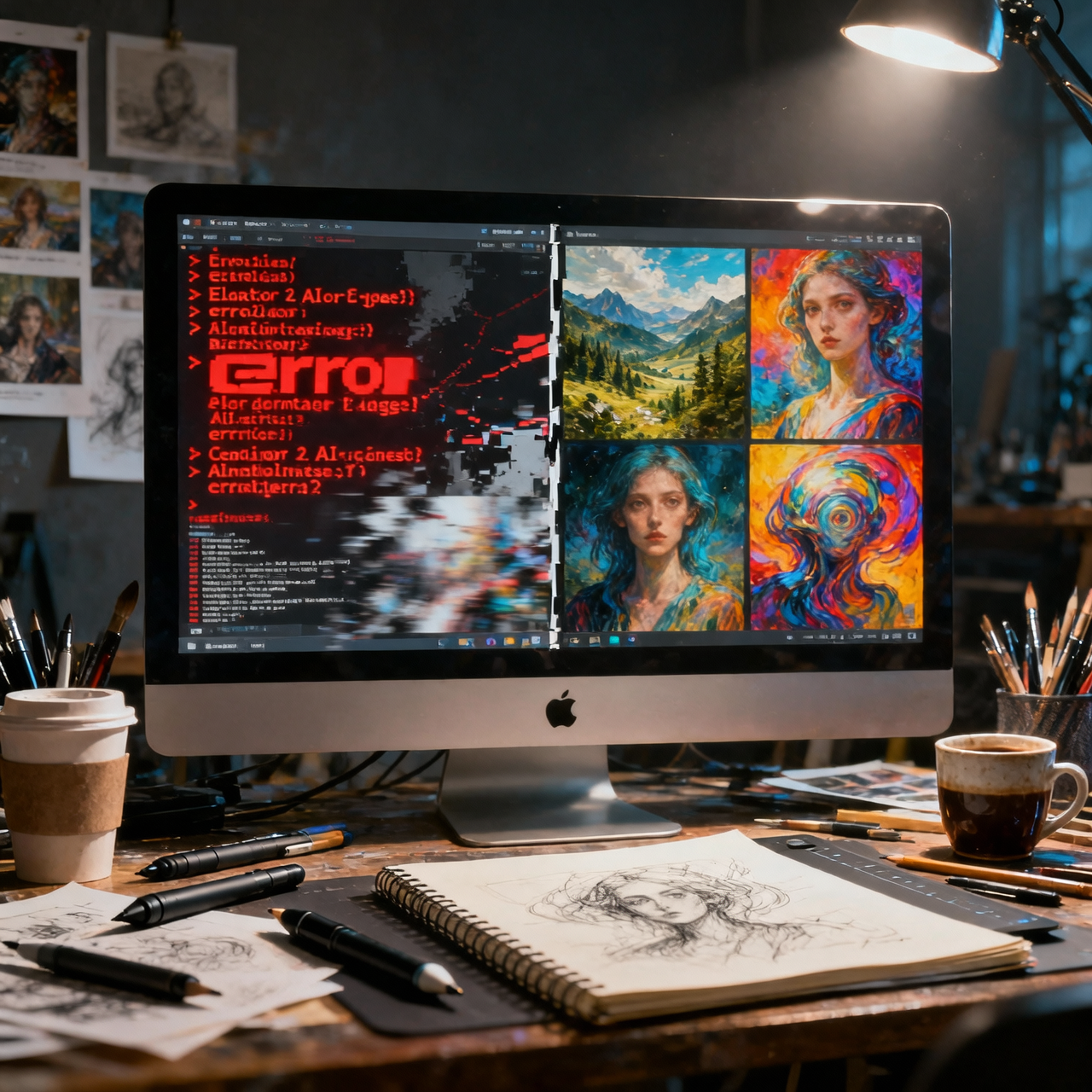
During peak hours, AI image generators experience heavy load, resulting in slow queues or timeout errors. For Mid journey, this typically occurs evenings in US time zones. The practical fix is to generate during off-peak hours — early morning in your local time. Alternatively, paid tiers usually have dedicated fast lanes that skip the queue entirely. Server errors are almost always temporary; waiting 15 minutes and retrying resolves most cases.
Conclusion
AI image generation failures are almost always fixable with the right techniques. The ten fixes in this guide address every category of problem — from vague prompts to technical errors to content policy issues. Start with prompt enrichment and negative prompts, as these two changes alone will improve your results by 60-70%. With practice, AI image generation becomes a reliable, powerful creative tool rather than a frustrating lottery.