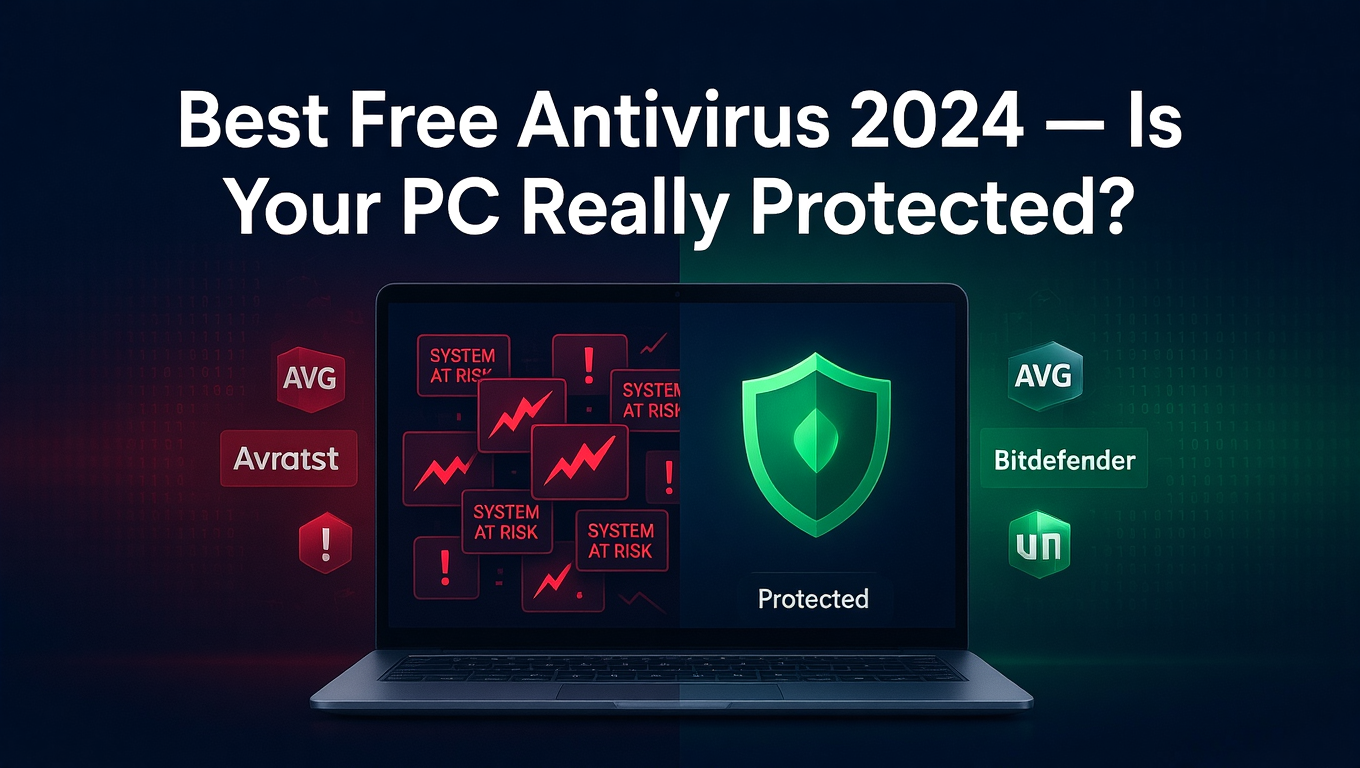
Every Windows PC needs protection from viruses, malware, ransomware, and phishing attacks. But not everyone wants to pay $30–$100 per year for security software. The good news is that free antivirus has become genuinely capable in 2026, with several options offering real-world protection that rivals paid competitors in independent lab testing.
This review tests and ranks the best free antivirus software for Windows, with honest assessments of detection rates, performance impact, privacy practices, and the features included without paying a cent.
Does Windows Need Third-Party Antivirus in 2026?
Windows 11 and Windows 10 come with Microsoft Defender Antivirus built in — and it has improved dramatically. AV-TEST, an independent security research lab, consistently gives Defender scores of 5.5–6.0 out of 6.0 for protection. For many users, Defender alone is sufficient.
However, third-party free antivirus options often provide additional layers of protection: better phishing detection, secure browsing extensions, webcam protection, ransomware shields, and more comprehensive scan options. The choice depends on how you use your PC.
1. Microsoft Defender — Best Built-In Option
Verdict: Excellent for casual users who want zero-setup protection.
Microsoft Defender is pre-installed, integrates seamlessly with Windows Security Center, and now scores near the top of independent lab tests. It provides real-time protection, firewall integration, ransomware folder protection, phishing detection in Edge and Chrome, and parental controls through Family Safety.
The biggest advantage is that it causes virtually no performance overhead because it is deeply integrated with the operating system. It updates automatically through Windows Update.
Weakness: Its phishing detection outside Microsoft's ecosystem (Edge/Bing) lags behind dedicated security products. Advanced features like VPN, password manager, and identity theft monitoring require Microsoft 365 subscription.
2. Bitdefender Antivirus Free — Best Protection-to-Weight Ratio
Verdict: The best pure-protection free antivirus available, with minimal system impact.
Bitdefender consistently earns perfect or near-perfect detection scores in AV-TEST and AV-Comparatives lab tests. The free version is stripped-down but provides:
Real-time threat detection powered by cloud-based scanning
Anti-phishing and anti-fraud protection
Anti-ransomware layer
On-demand and scheduled scans
The cloud-based approach means it consumes very little CPU or RAM on your PC while maintaining detection rates that beat many paid competitors. The trade-off is that it lacks a firewall, VPN, performance optimizer, and most interface options of the paid version.
Best for: Users who want maximum protection with minimum system impact and do not need bonus features.
3. Avast Free Antivirus — Best Feature Set for Free
Verdict: The most feature-rich free antivirus, though privacy considerations apply.
Avast's free offering is impressively comprehensive:
Real-time malware, ransomware, and spyware protection
Wi-Fi network security scanner
Password manager (Avast Passwords)
Browser cleanup tool
Software updater showing outdated apps with vulnerabilities
Phishing URL detection
Detection rates in independent tests are consistently strong, though slightly below Bitdefender in raw numbers. The interface is polished and beginner-friendly.
Important note: Avast faced controversy in 2020 when its subsidiary Jumpshot was caught selling user browsing data to corporations. Avast discontinued this practice and underwent significant privacy overhauls, but privacy-conscious users should be aware of this history. The current Avast Privacy Policy is significantly improved.
4. AVG AntiVirus Free — Best for Older PCs
Verdict: Solid protection with a lighter system footprint than Avast (which owns AVG).
AVG (owned by Avast) uses the same core engine but with a cleaner, more minimal interface and slightly lower resource consumption. It provides:
Real-time malware and virus scanning
Email protection to catch malicious attachments
Link scanner for phishing URLs
File shredder for secure deletion
AVG is an excellent choice for Windows 7, Windows 8, or older hardware where every bit of performance matters. It shares Avast's strong detection engine without the more resource-intensive UI elements.
5. Kaspersky Security Cloud Free — Best Detection Rate
Verdict: Consistently scores 100% in independent lab tests — among the highest in the industry.
Kaspersky's free tier provides its core scanning engine, which holds the record for some of the highest detection scores in AV-TEST history. Features include:
Real-time malware protection
On-demand scanning
Basic web protection
200MB/day VPN (via Kaspersky VPN Secure Connection)
Consideration: Kaspersky is a Russian company, and in 2022 the FCC added it to its 'national security threat' list. The US CISA advised against using Kaspersky products on government systems. For personal use, the security risk for most individuals remains low, but this is a context users should be aware of.
6. Malwarebytes Free — Best On-Demand Scanner
Verdict: The best supplement to your primary antivirus — not a standalone replacement.
Malwarebytes is unique in this list: it is not designed as a real-time protection tool in its free form. Instead, it is the industry gold standard for on-demand scanning — finding and removing malware that your primary antivirus may have missed.
It excels at detecting adware, PUPs (potentially unwanted programs), browser hijackers, and rootkits that traditional antivirus engines sometimes overlook. Run it as a second-opinion scanner alongside Defender or Bitdefender.
How to Choose the Right Free Antivirus
Use this decision guide:
Casual user on a modern PC with Windows 11 → Microsoft Defender (already installed)
Want best raw protection with minimal bloat → Bitdefender Free
Want the most features for free → Avast Free
Have an older or slower PC → AVG Free
Want to supplement existing antivirus → Malwarebytes Free
Free vs Paid Antivirus: What Do You Actually Lose?
Free antivirus programs typically lack:
VPN for private browsing
Password manager
Identity theft monitoring
Parental controls
Advanced ransomware rollback
Technical support
For home users with careful browsing habits and no sensitive business data, free antivirus paired with sensible online behavior (avoiding suspicious links, keeping software updated) provides very strong protection.
Conclusion
For most Windows users in 2026, Microsoft Defender or Bitdefender Free provides all the protection needed at zero cost. Avast adds more features if you want extras. Whatever you choose, pair it with regular Windows updates, a strong password manager, and thoughtful browsing — and your PC will be well-protected without spending a dollar.